
Development log
February Dev-Log
Thursday 2nd February (12 – 3 PM)
We started the assignment off by discussing and brainstorming prototype ideas. We talked in length about what we believed our strengths would be, and split the group into three main areas – art, sound and code.Rebecca and I took on the art roles, as this included concepts, textures, props, sculpts and general building of levels. Kyle then took sound, and Ollie took the role as our lead coder.
We settled on three ideas for three prototypes which where:
- Horror – Play as a demon that has to deliver tormented souls to the Hell, all the while resisting being exorcised by religious zealots.
- Electrician – The player has to re-route wires, solve equations, solve puzzles to progress, all the while under a timer.
- Hank’s Happy Hour – A multiplayer party play game consisting of multiple challenges adding up to a point system. Game show based. The player is resisting buying loot boxes that may help or hinder the puzzles, creating the incentive to resist.
Monday 6th February (10 – 1 PM)
Rebecca and I discussed the creation of an asset list that would help guide us towards which assets take more precendence than the others, so as to control and communicate which we need to model and when.
Tuesday 7th February (10-2 PM)
Rebecca and I met at university to discuss and develop ‘Mechanical madness.’ We focused particularly on mechanics and map size. We talked about how we would make the wires easy to understand and operate.
Wednesday 8th February ( All Day )
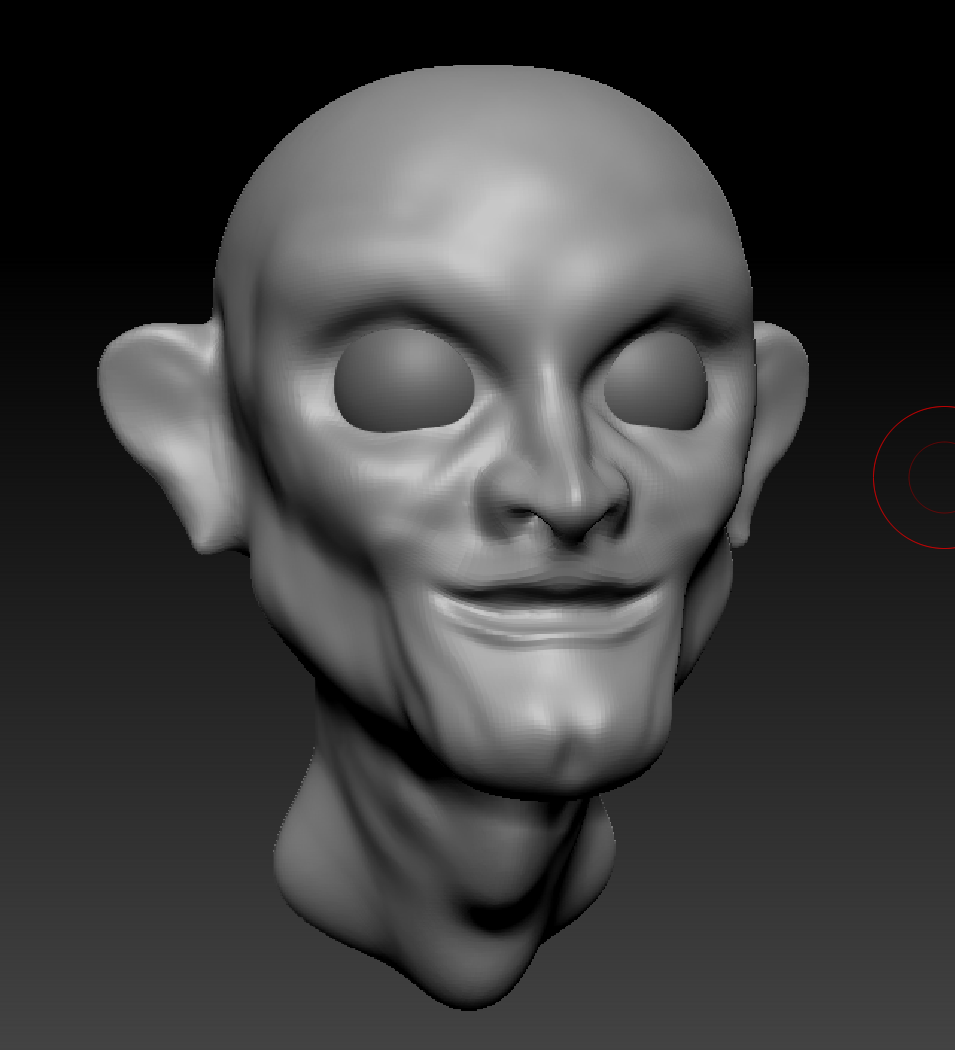
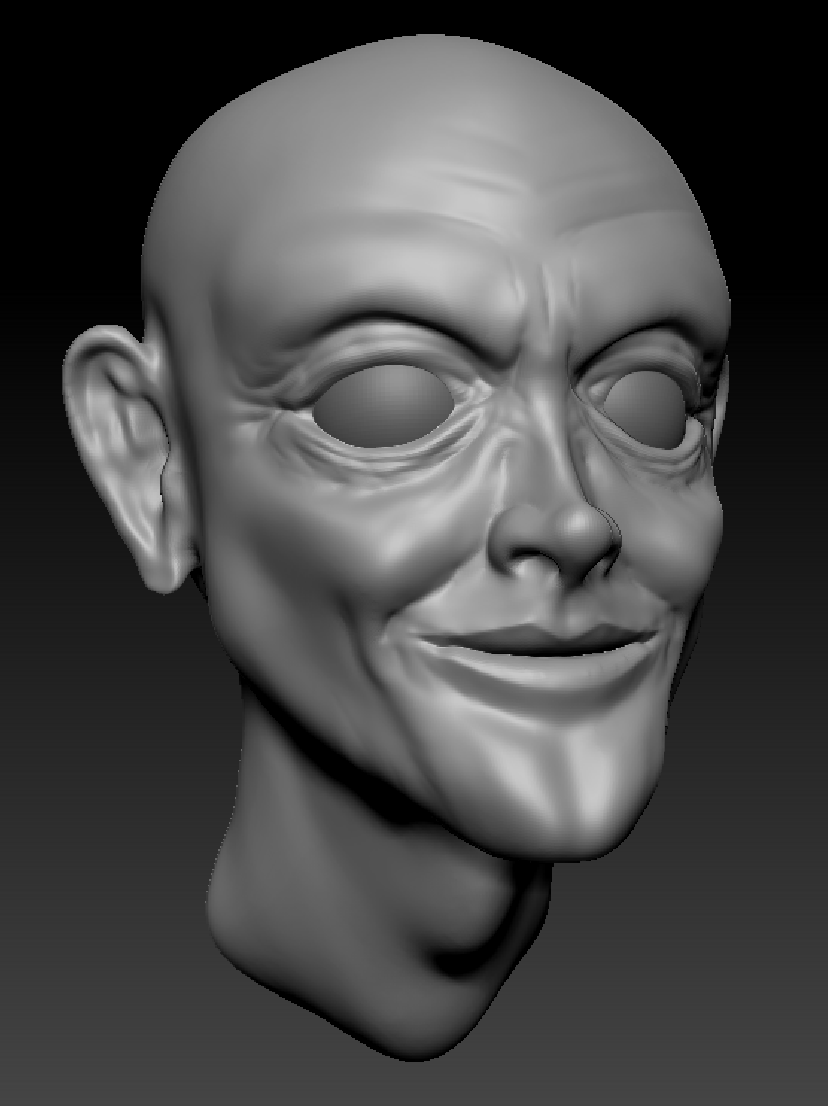
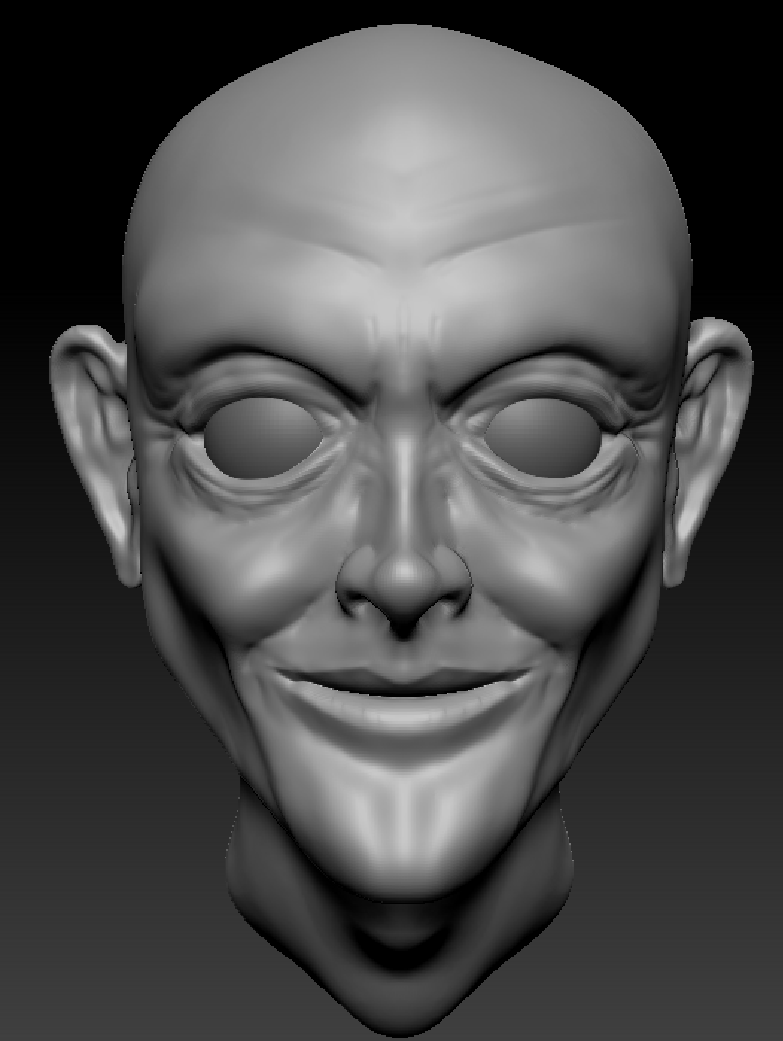
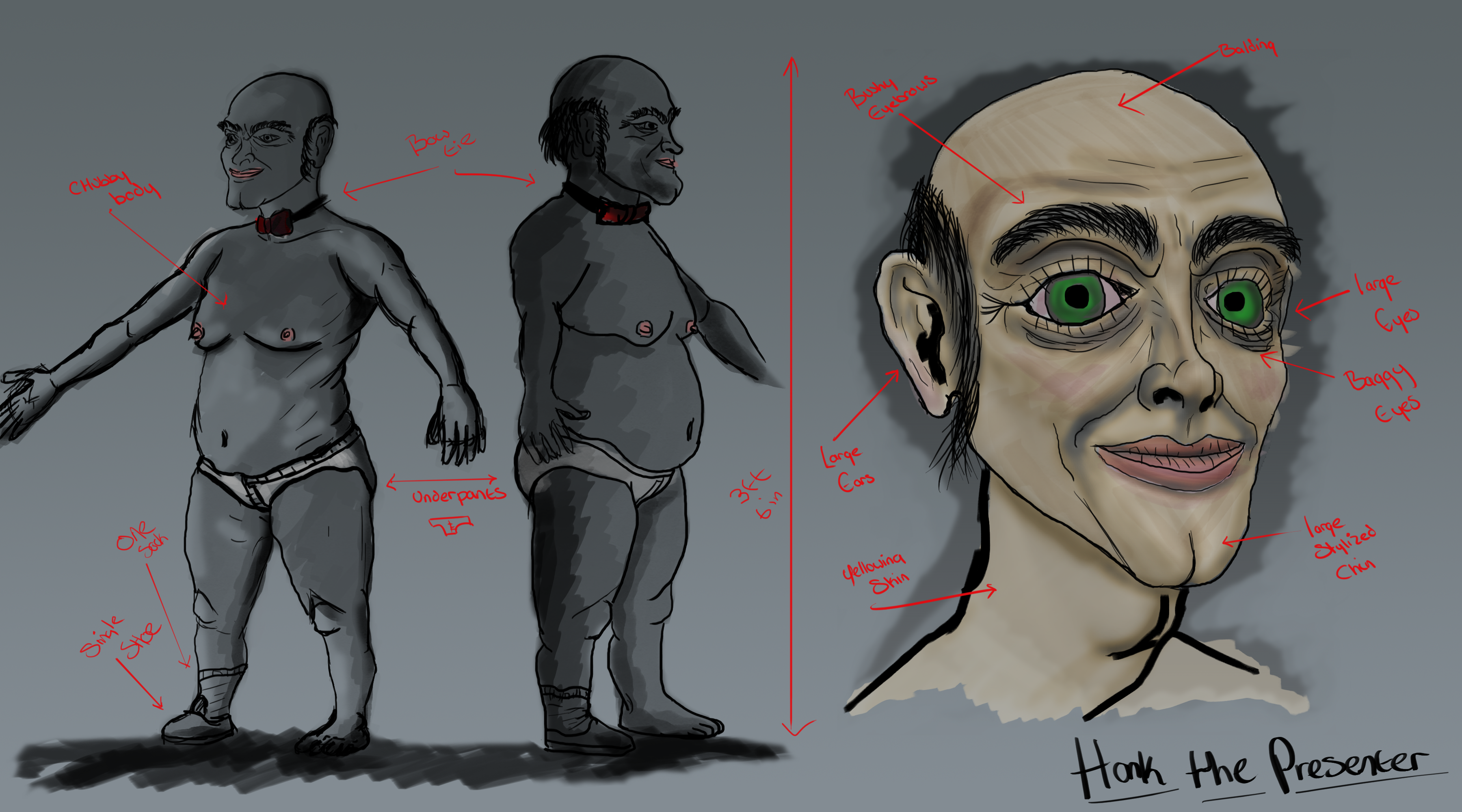
Started concepts for various projects, focusing on the main presenter of Hank’s Happy Hour.
Friday 10th February ( 5 – 8 PM )
Added pictures and information to the slideshow presentation.
Sunday 12th February ( 12 – 6 PM )
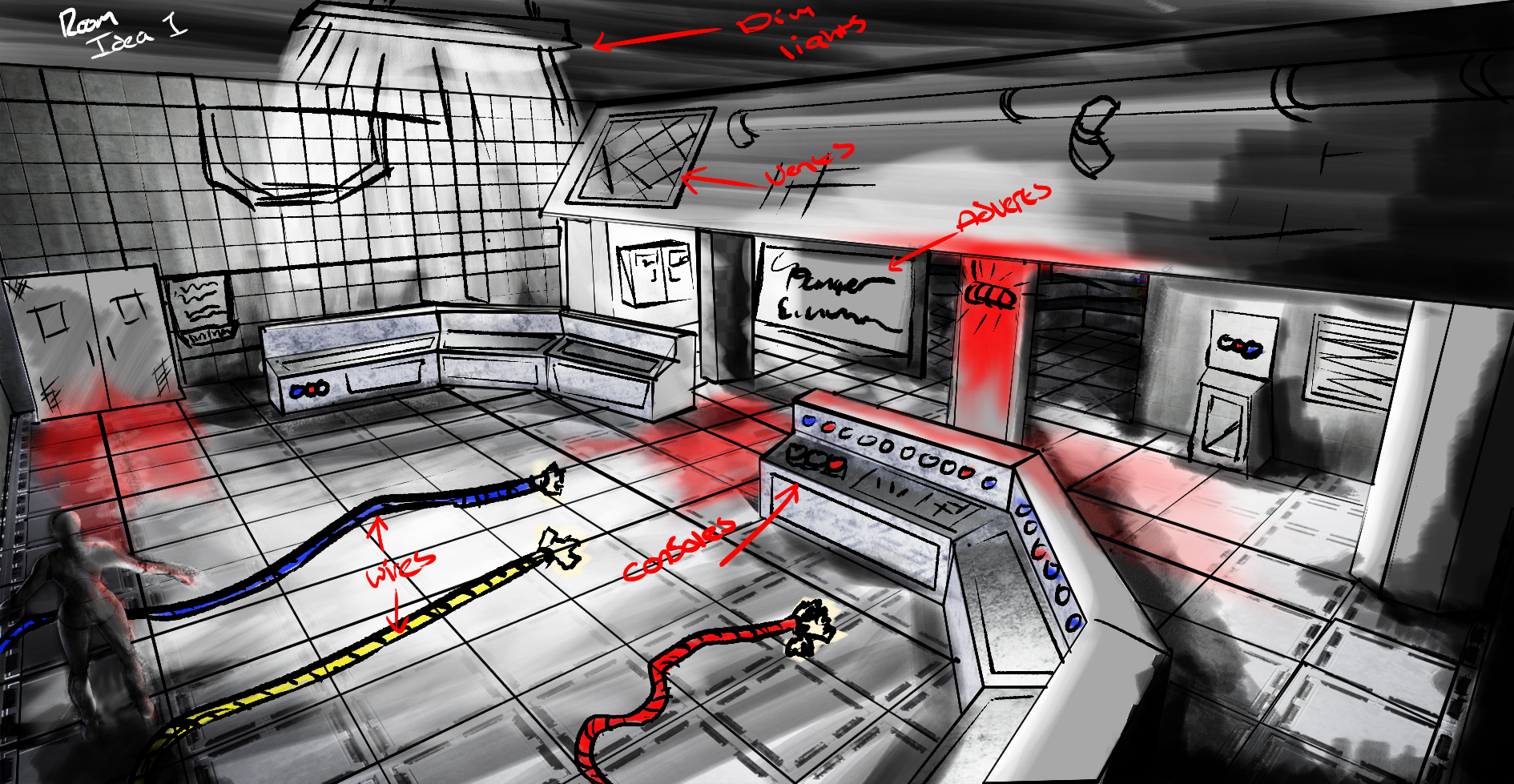
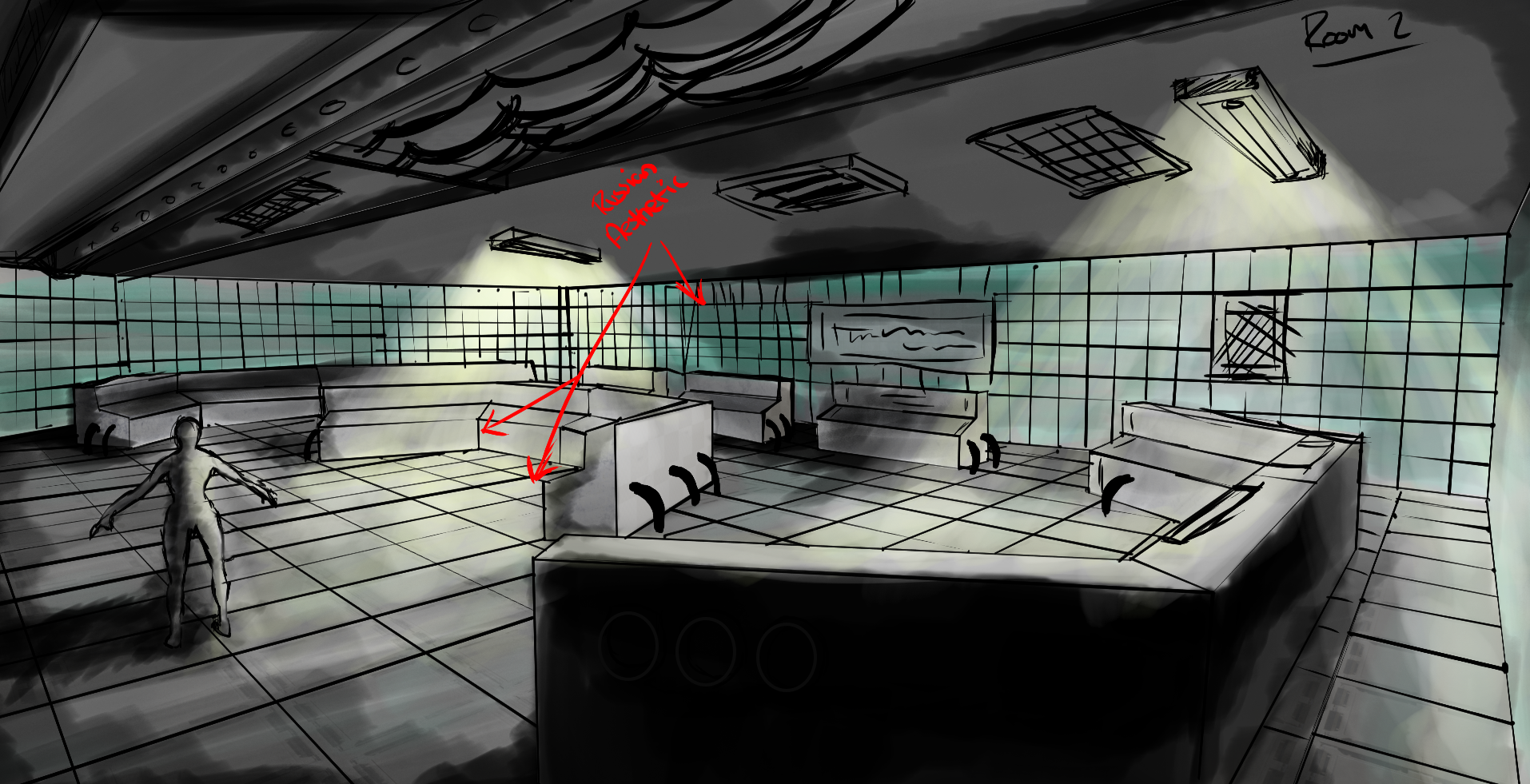
Started and finished concept imagery for Mechanical Madness levels and added them to the slideshow.
Monday 13th February ( 10 – 5 PM )
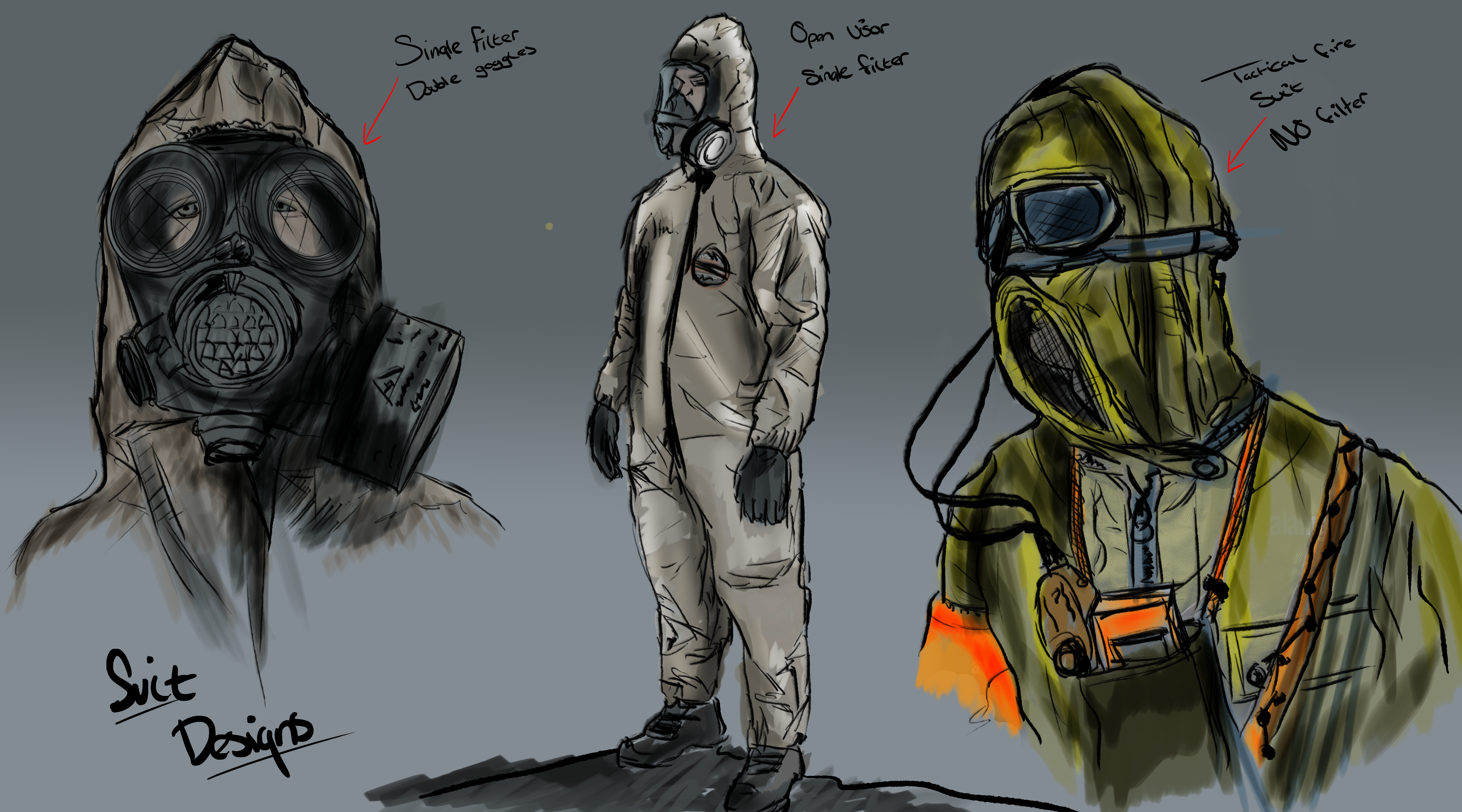
Rebecca and I took the time during workshop to begin a level blockout for the Hidden Horror game concept. We built the level, then Ollie implemented the coding. Finished concepts for mechanical madness character.
Tuesday 14th February ( 1 – 7 PM )
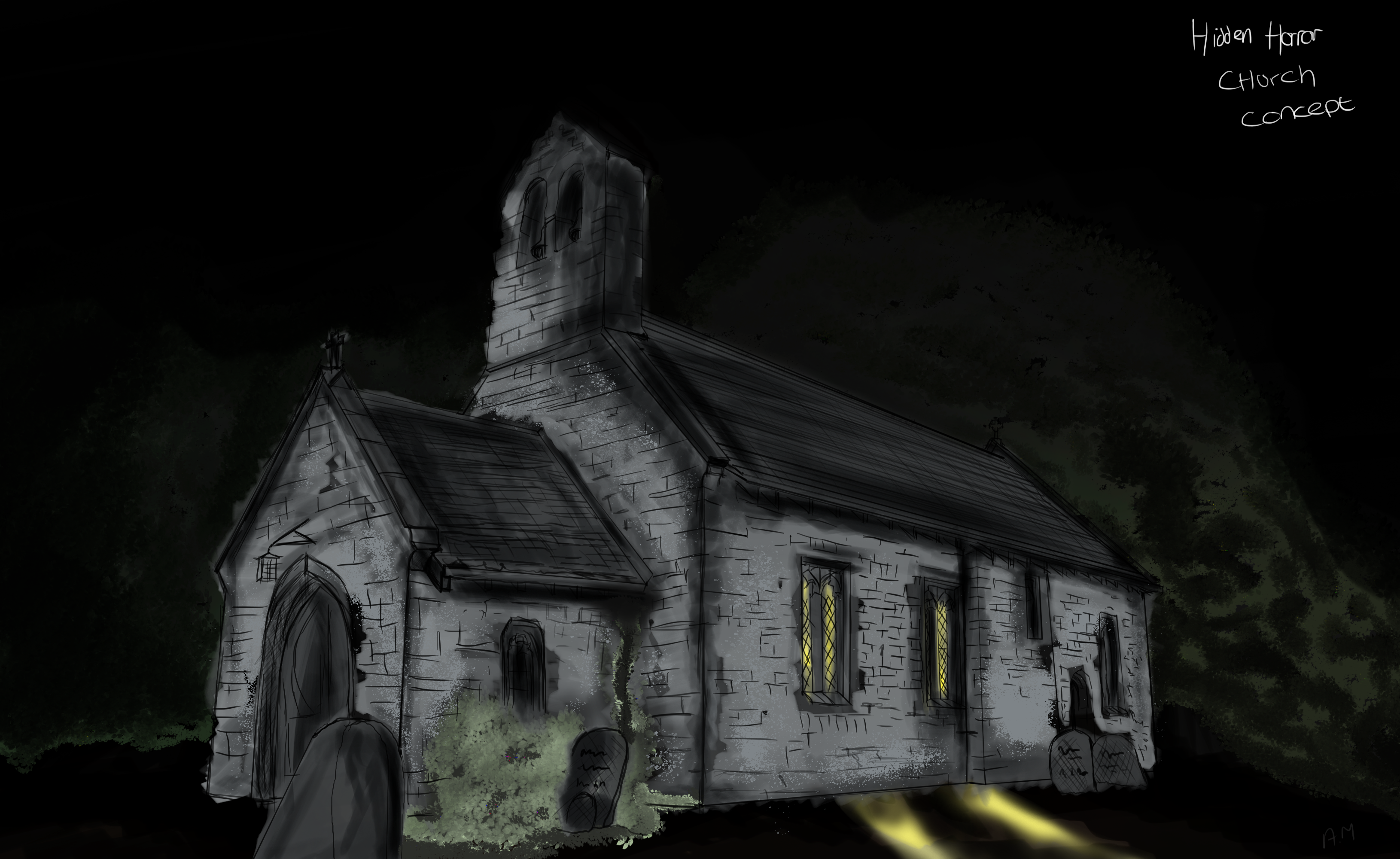
Designed Church concepts for ‘Hidden Horror,’ these where then added to the slideshow.
Wednesday 15th February ( 10 – 6 PM )
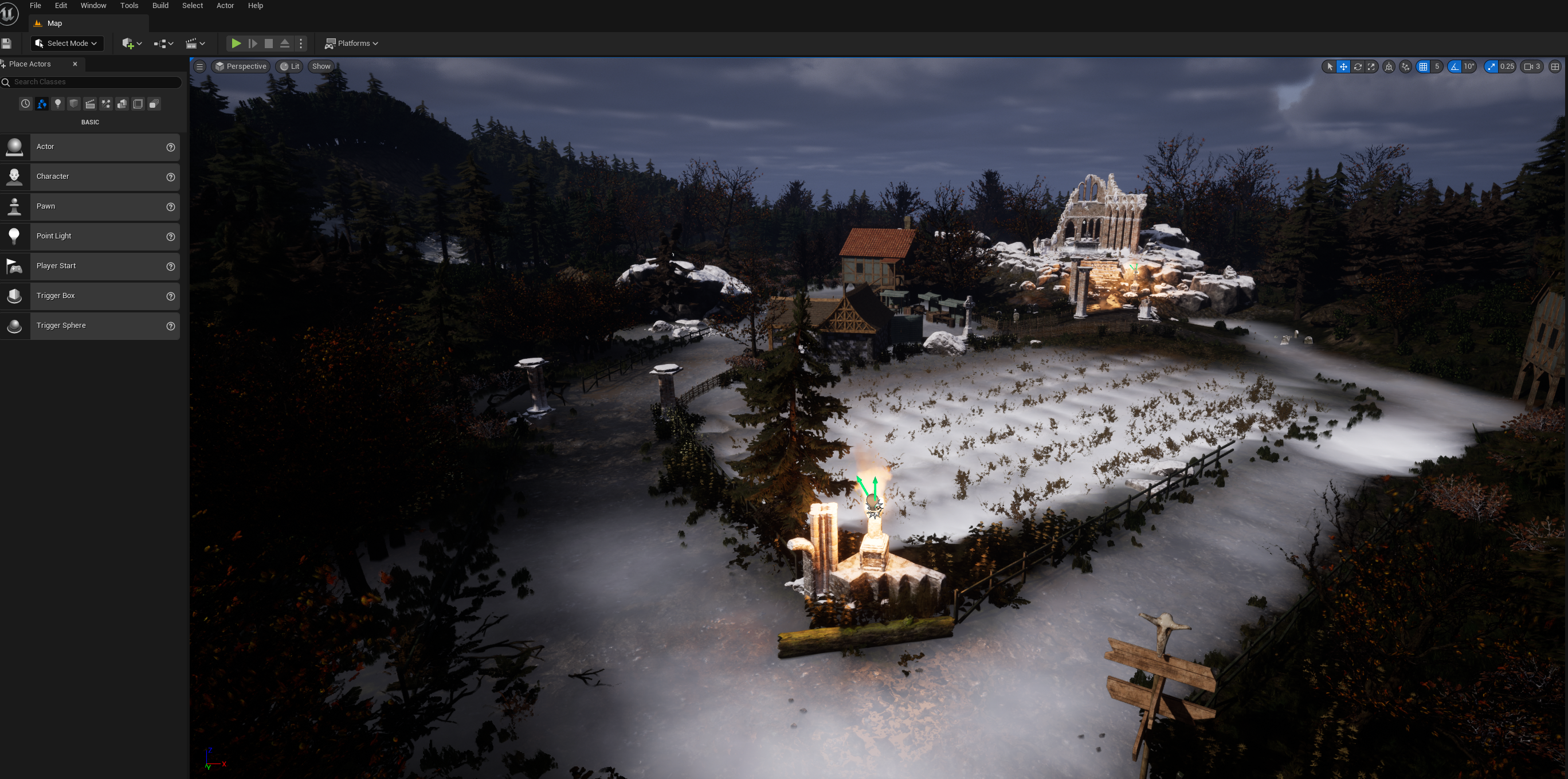
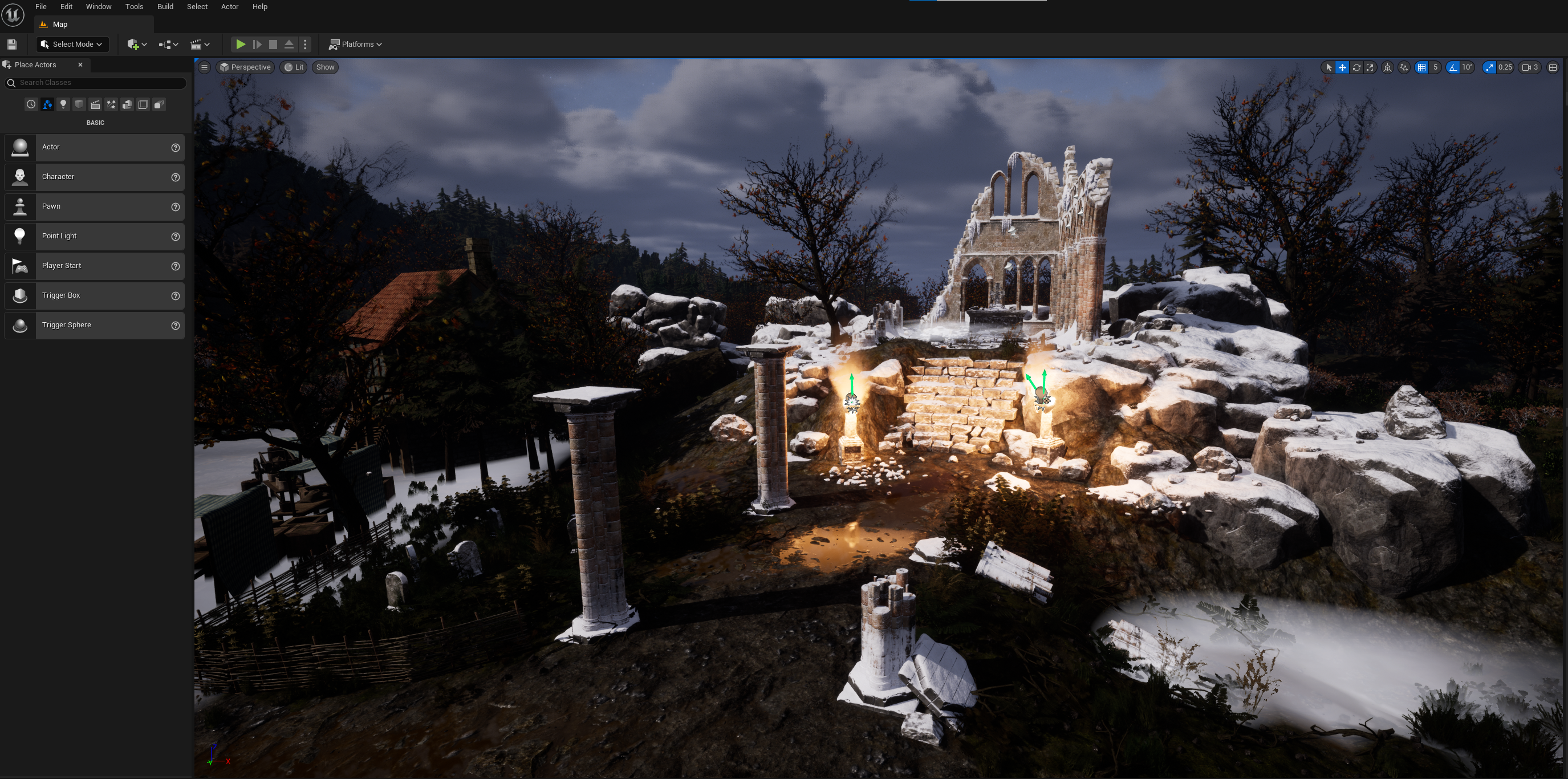
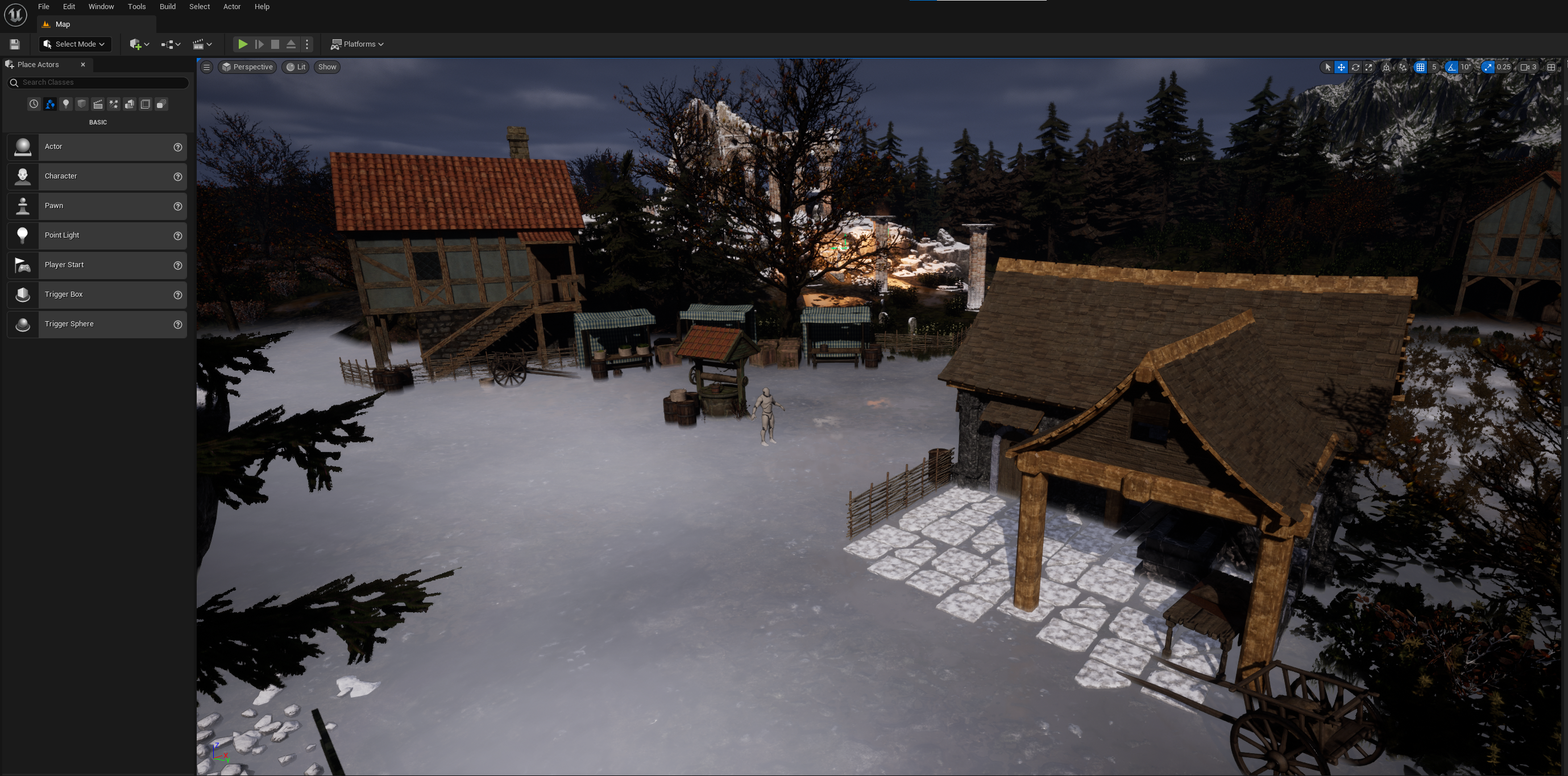
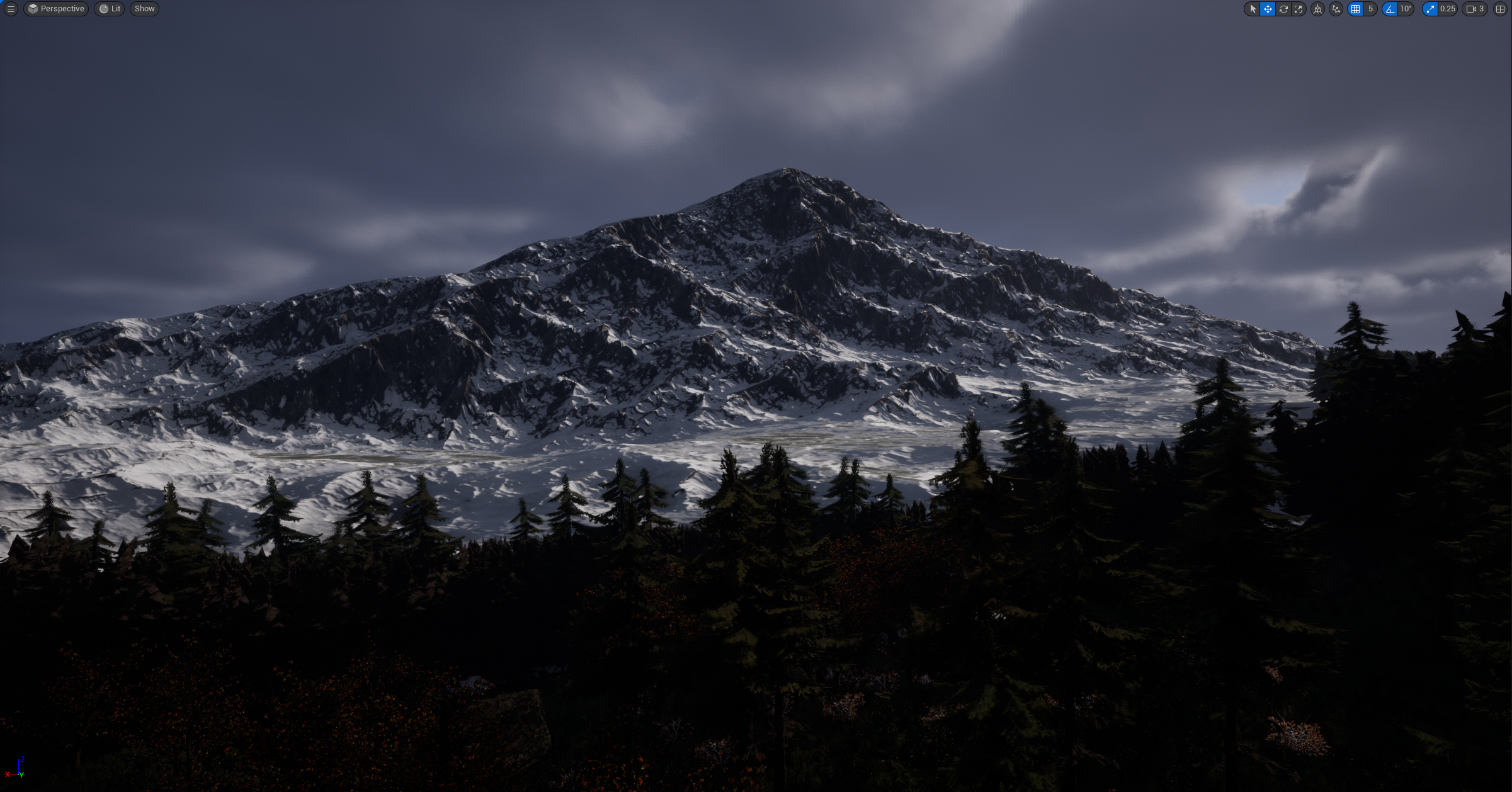
Spent these hours finalising and implementing more assets and scenery into the hidden horror example.
Thursday 16th February ( 12 – 3 PM )
The group tried to download the level file to university computers, however the attempts failed and we where forced to re-organise our approach for the day. We opted to work on designing floor plans for ‘Hank’s Happy Hour’ and listing assets we believed it would need.
Sunday 19th February ( 12 – 6 PM )
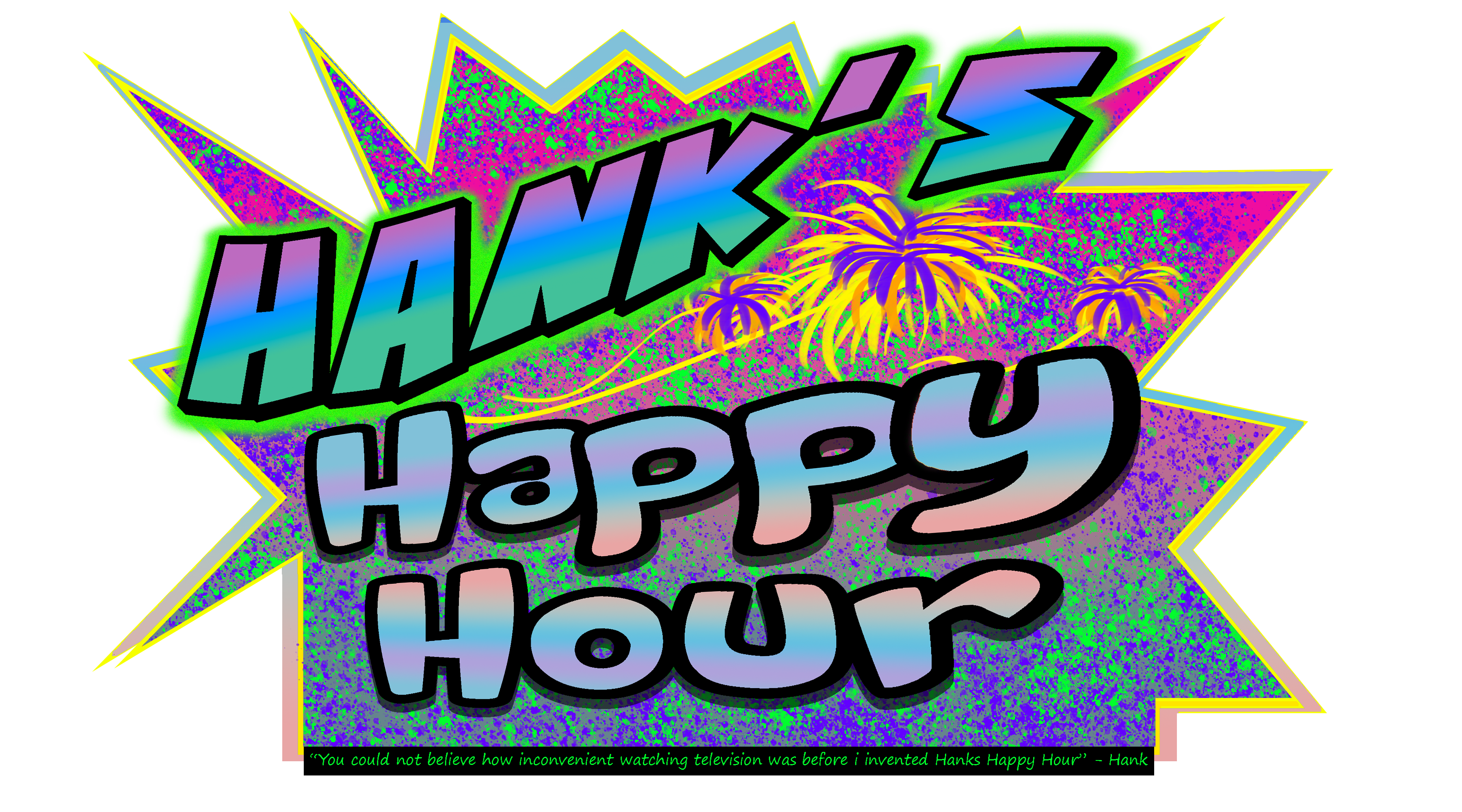
Spent the time today designing a logo for ‘Hank’s Happy Hour.’ The group felt we needed something to display as we had by now decided Hank’s Happy Hour would be the game we would take forward.
Monday 20th February ( 10 – 5 PM )
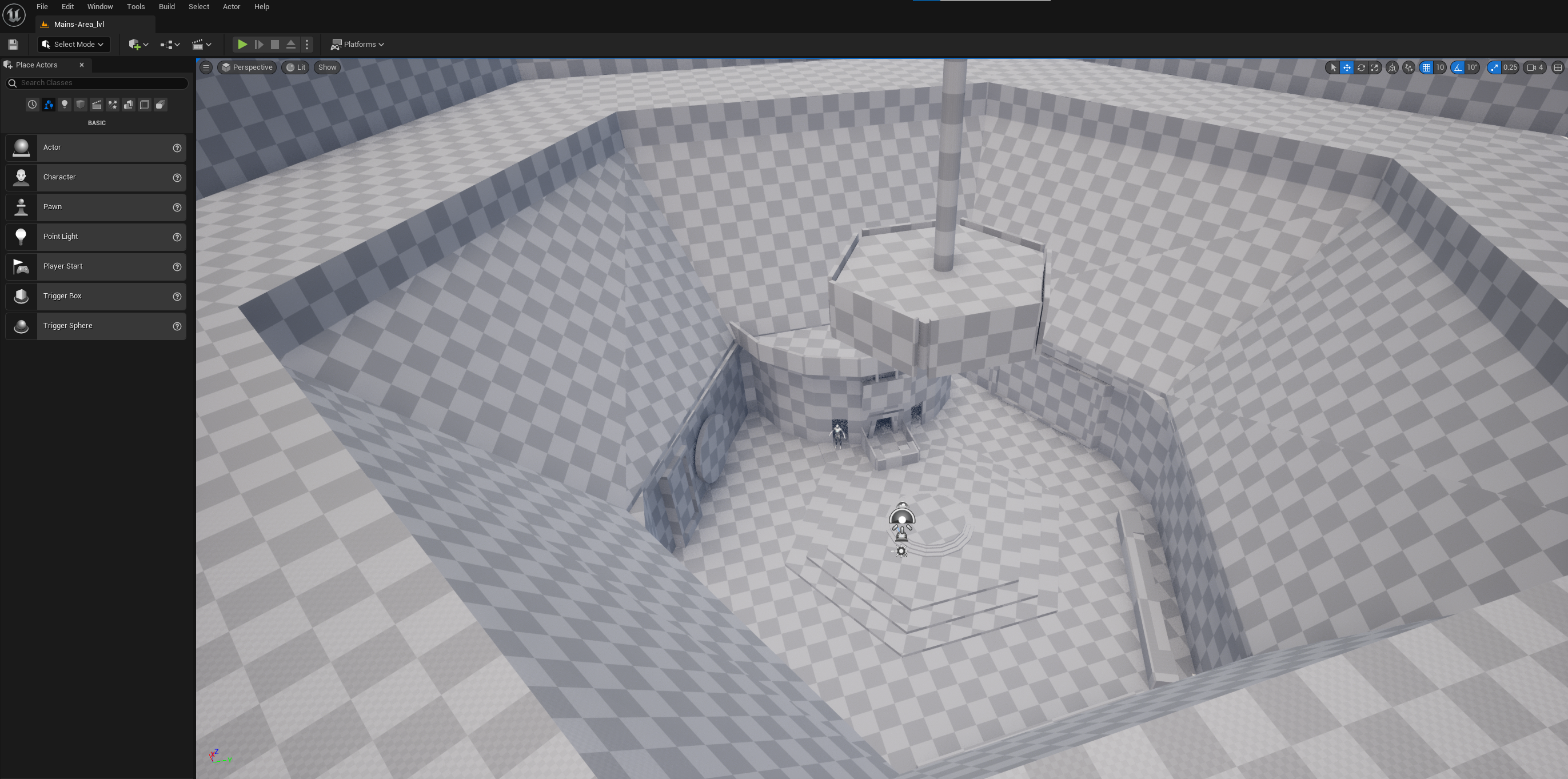
Spent the workshop time today creating the level blockout for hanks happy hour, main area. This was co-ordinated with Rebecca and Ollie to ensure the design was to how the group wanted it.
Tuesday 21st February ( 6 – 11:30 PM )
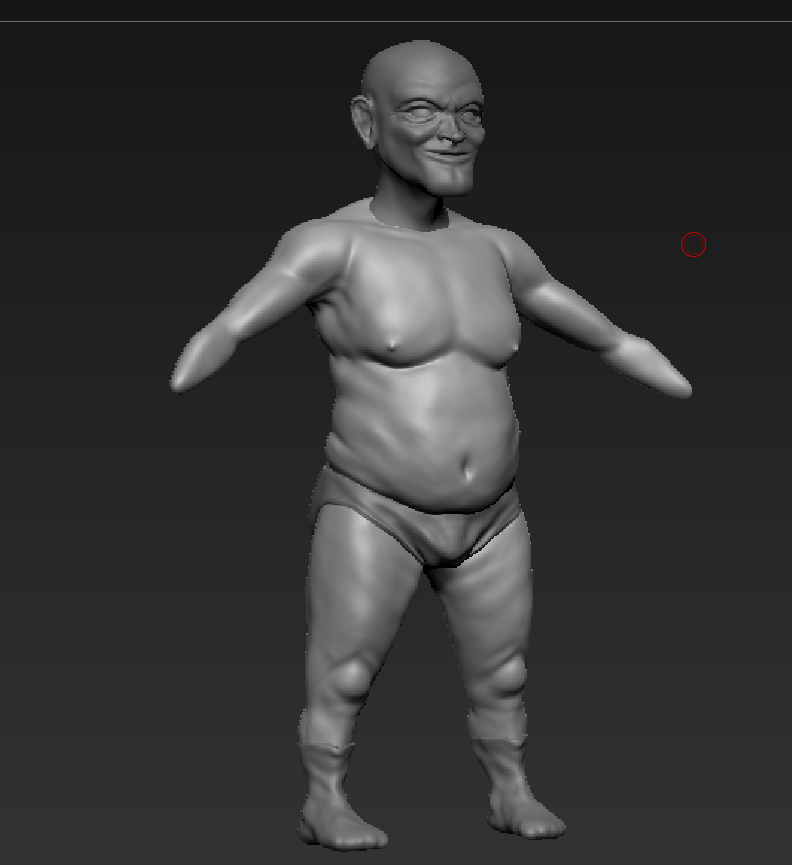
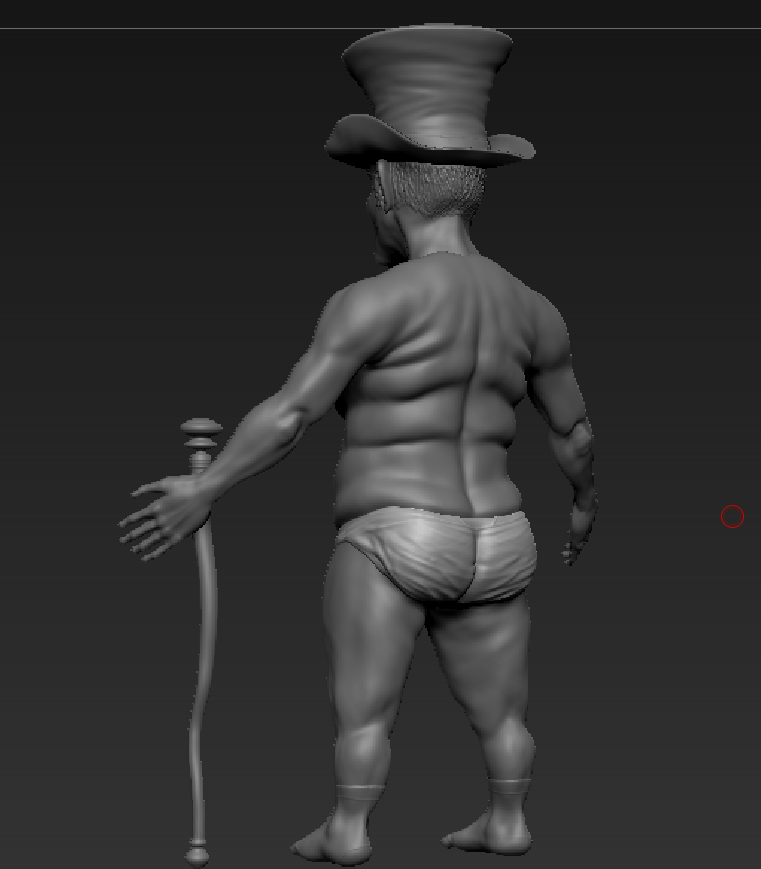
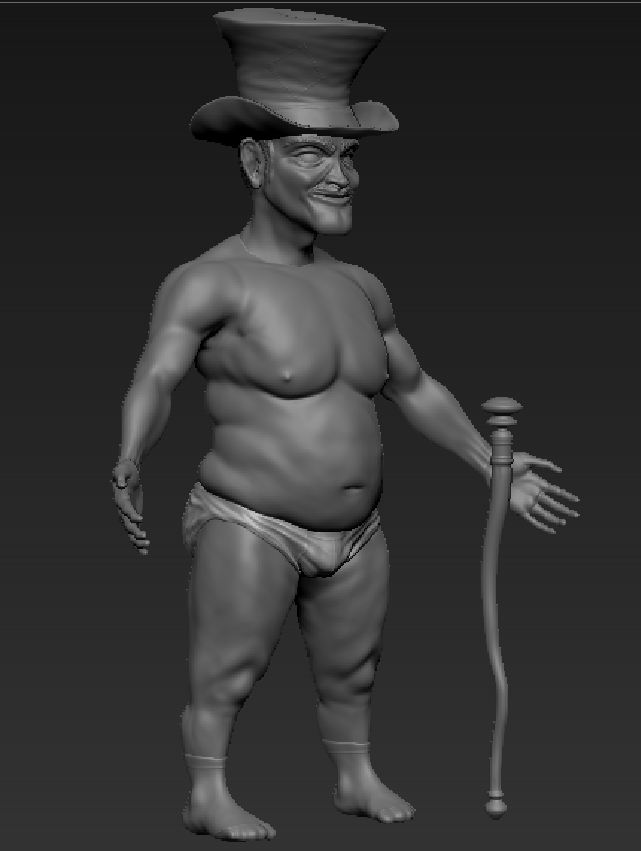
Finished sculpting the body for Hank the presenter. Finalised ideas with the group about proportion and personality.
Wednesday 22nd February ( 2 – 7 PM )
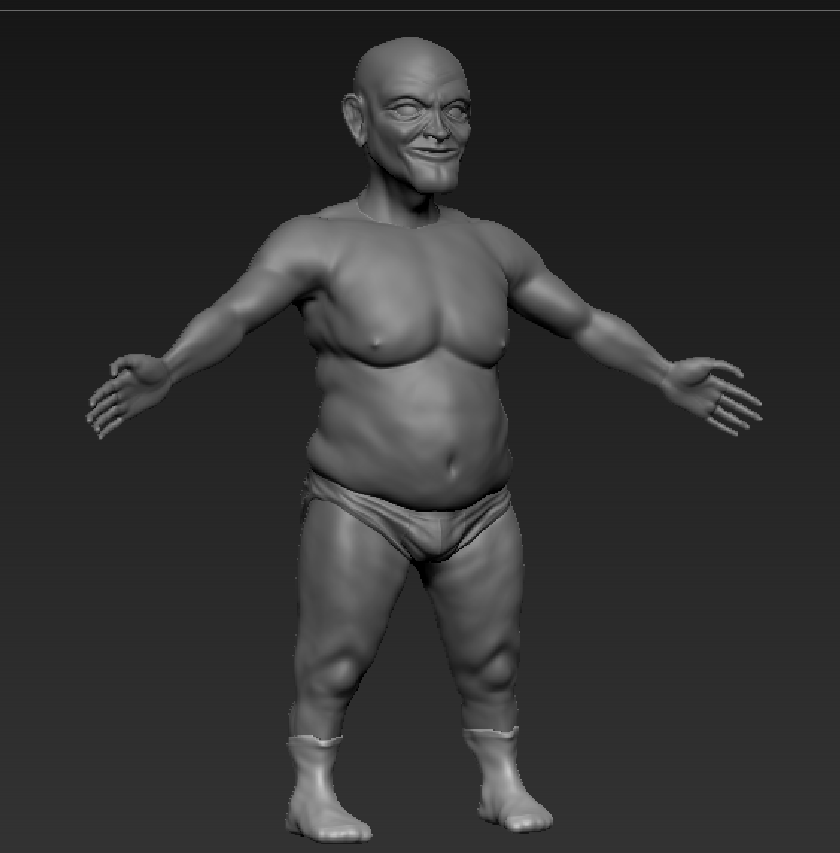
Sculpted more of Hank, including limbs and detail – again co-ordinating with the group to ensure everyone is agreed on the design.
Thursday 23rd February ( 12 – 9 PM )
Spent the majority of the day finalising Hank’s details and adding accessories such as: a hat and pants!
Monday 27th February ( 10 – 5 PM )
Spent the workshop hours assisting Rebecca in the design of the Hank Bucks. I also spent some time editing the slideshow script and slides.
Tuesday 28th February ( 3 – 8 PM )
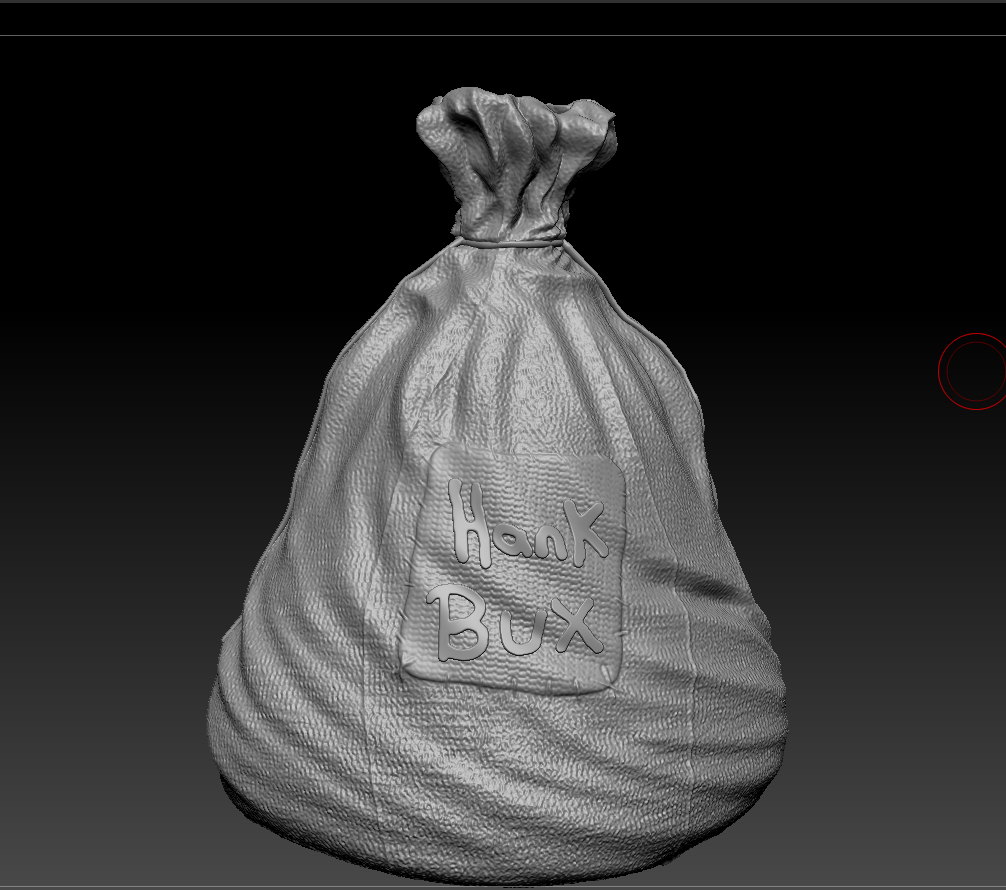
Spent the day sculpting and texturing the money sack for ‘Hank’s Happy Hour.’
March Dev-Log
Wednesday 1st March ( 8 – 10 PM )
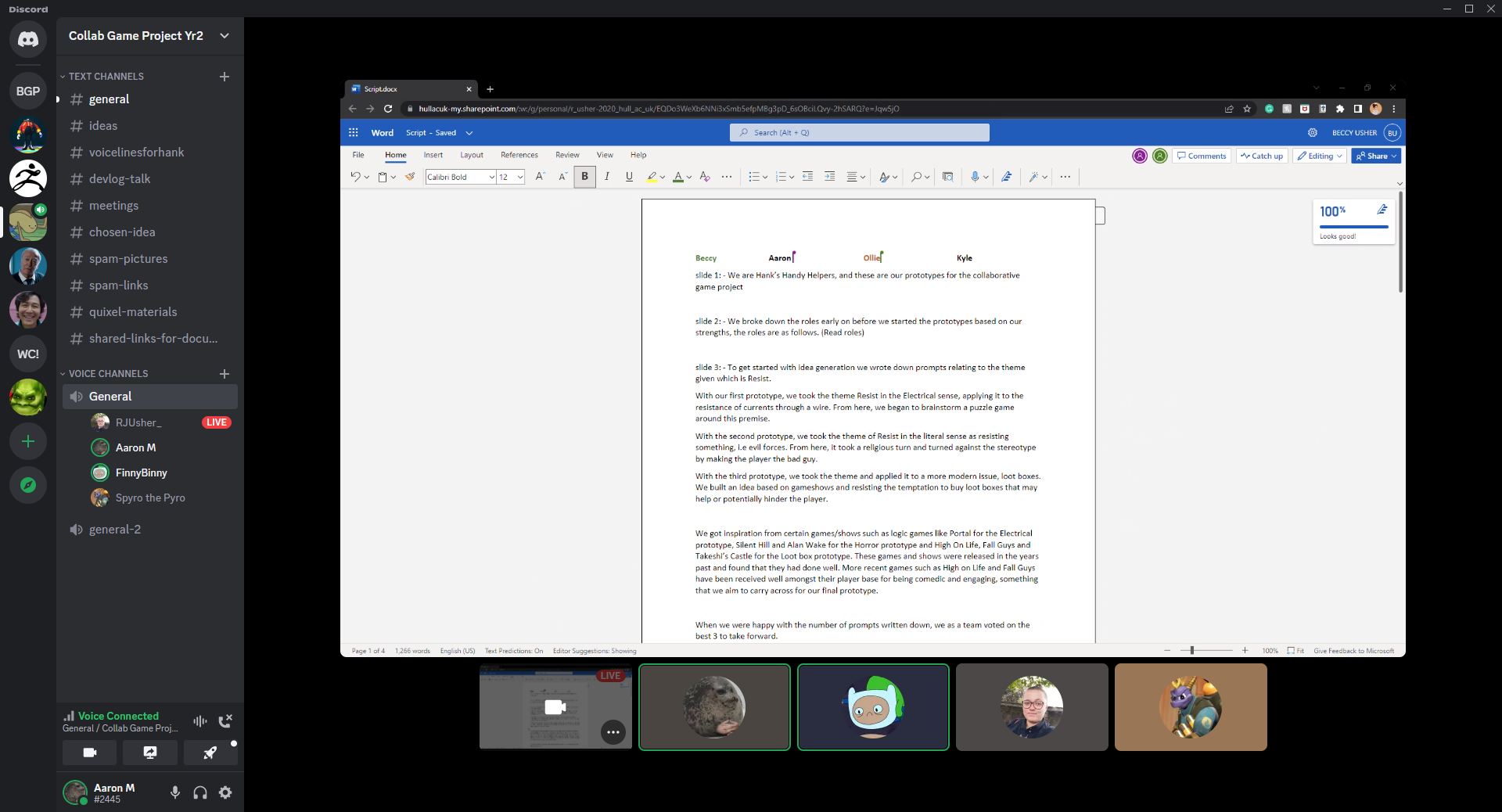
The group held a discord call to decide and agree upon who would take what slide for the slideshow presentation. We broke the script up, colour coding it and doing multiple test runs to time the overall presentation. We found the script too short and added more information to raise the presentation time by a few minutes.
Saturday 4th March ( 3 – 7 PM )
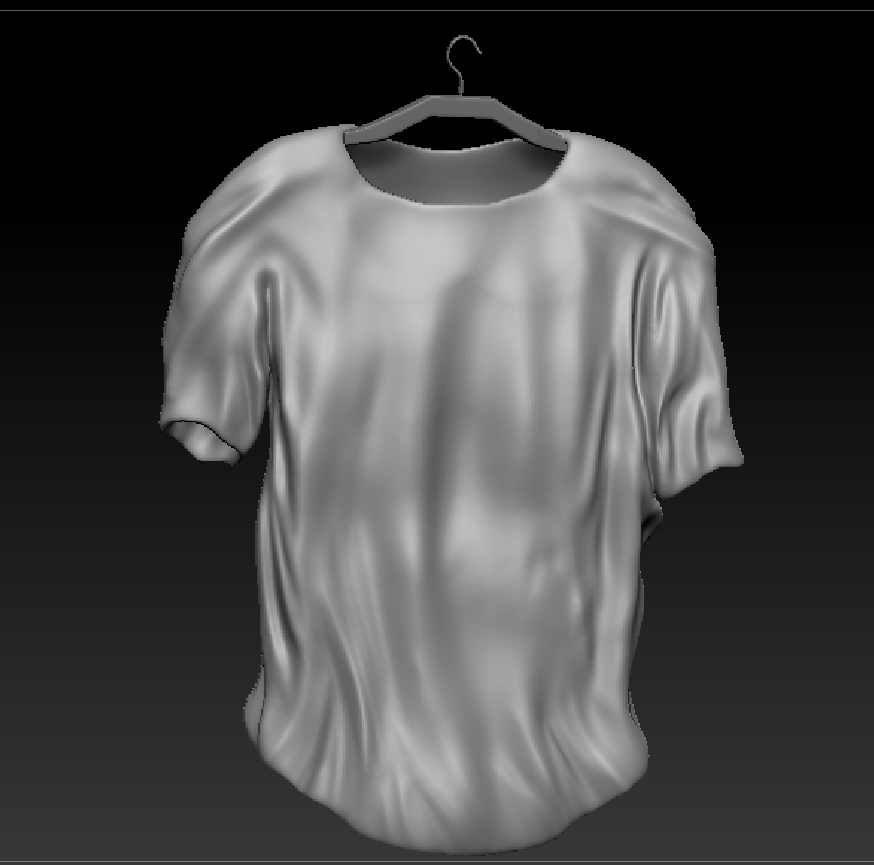
Began the creation of a T-shirt and hanger for the ‘Hank’s Happy hour’ prototype.
Monday 13th March ( 10 AM – 5 PM )
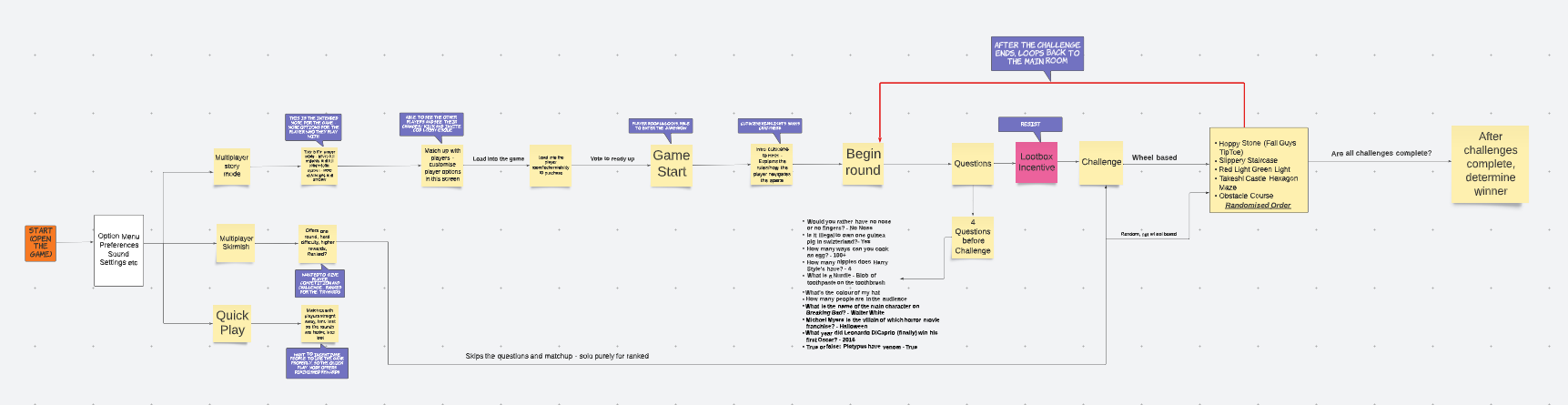
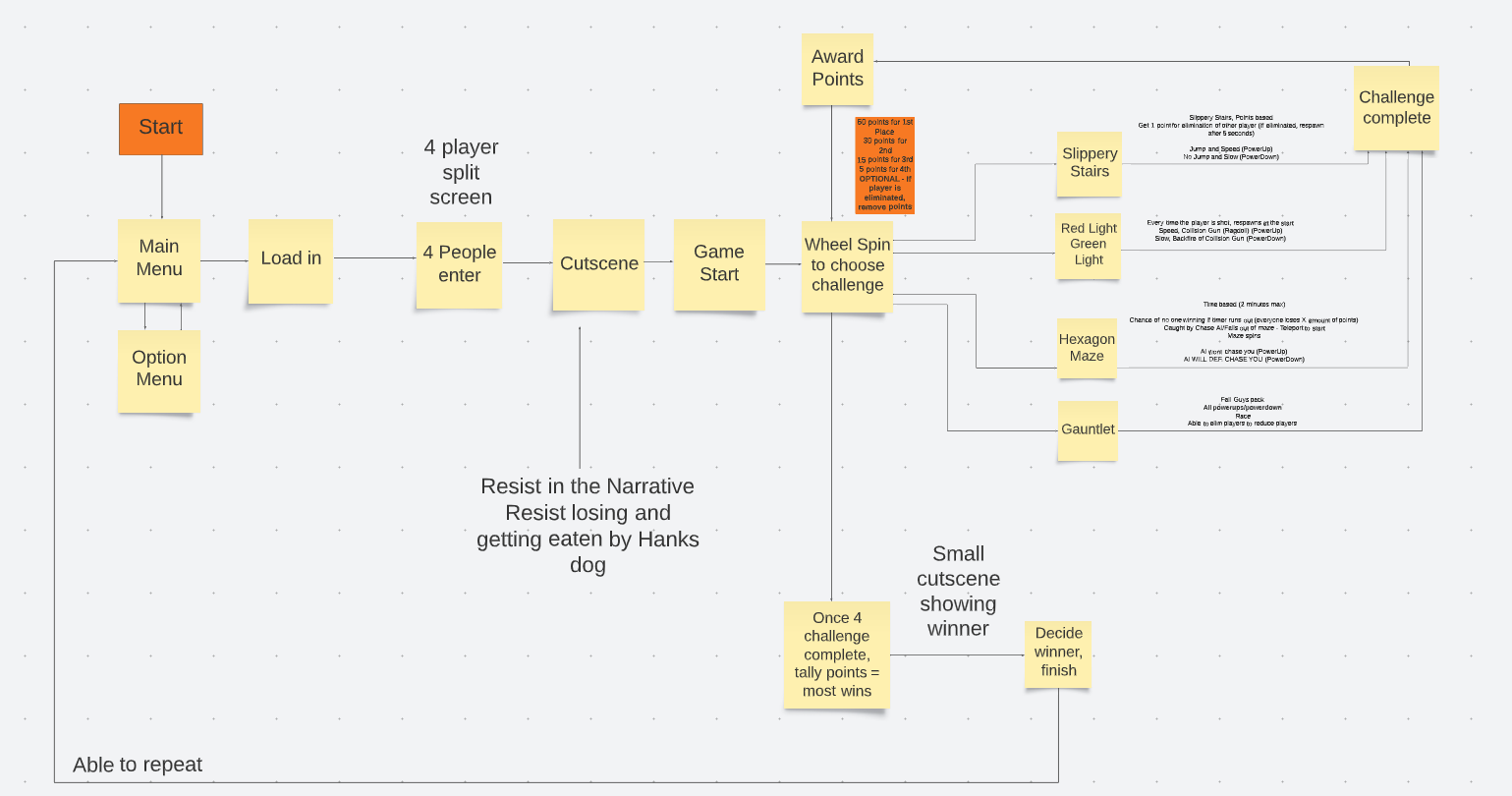
The team spent the session designing a flowchart for ”Hank’s Happy Hour.’ This flowchart was created using a site called Lucidspark. Lucidspark allowed us to quickly create a flowchart that would help us narrow down what we believed the game needed mechanically.
Friday 17th March (12 – 6 PM)
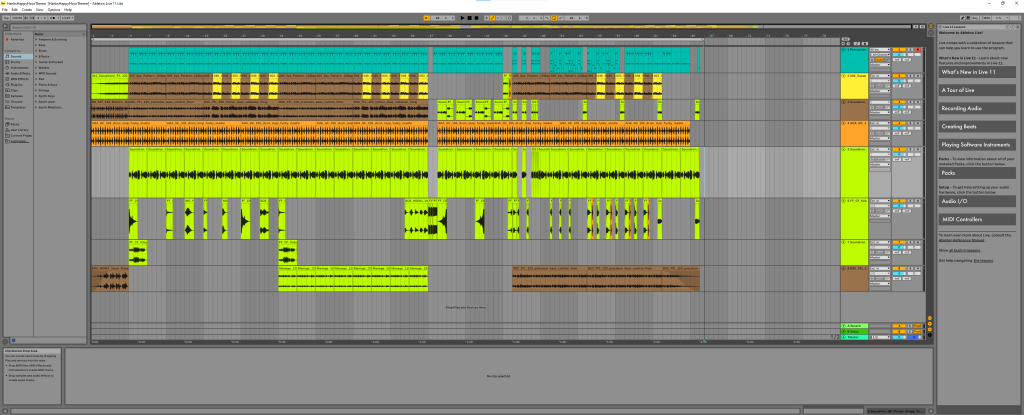
Started the creation of a Soundtrack in Ableton for the ‘Hank’s Happy Hour’ game. I decided to write a song from scratch, to save on any copyright issues.
Monday 20th March (12:30 – 5 PM)
We discussed the flowchart in depth a little more and came to the conclusion that there was an issue in the flow of the game. Upon realising the issue, we re-assessed the flow and changed it. We dropped loot boxes from the game for fear of not having the skill and time to implement it properly, due to it being a multiplayer game. Instead, the ‘resist’ element would be incorporated into powerup drops, that when interacted with, had a 50/50 chance to either supply the player with a good or bad powerup. This would include a risk element to the drops and thus add a sense of resistance by the player, as to whether the powerup will be worth it or not.
Wednesday 22nd March (3PM)
Spoke to Rebecca about her taking lead on the code for now, to make up for Ollie’s abscence.
Friday 24th March ( 6 – 9 PM )
Spent some time revising Hank’s sculpt. Decided with the team that the creation of a fully working character would be too much work for the remaining time alloted to the project.
Monday 27th March ( 10 – 5 PM )
Rebecca and I spent the day creating the first challenge of the game, Gauntlet. A map designed and themed around classic ‘total wipeout’ gameshows that involve the players conquering a wacky obstacle course without failing! I consulted with Rebecca throughout the day as she built the level, giving my opinions on design and prop placement. The asset pack Rebecca used is the, ‘Game Show Asset Pack’ by Gamertose, released on the Unreal Marketplace (Gamertose, 2021).
Thursday 30th March (12 – 3 PM)
Rebecca and I then began the task of coding the spinning wheel which would determine which challenge the players would recieve. The challenges facing us where that we needed the rotation of the wheel to be completely random and upon stopping, select the section that is at the top of the wheel and load the corresponding level. By the end of this session, we had the wheel spinning, however it span indefinitely. More work is needed to make the wheel work as needed. We also discussed before leaving, the removal of a health bar as we felt it wasn’t needed, only reset mechanics and alterations to the characters movement where needed for this game.
April Dev-Log
12th April ( 4 – 8 PM )
Received a VFX piece from Rebecca. she wanted to implement it as an intro cinematic. Unfortunately after many trials, I was unable to import the sequence and its files from that project to the HHH project, rendering the sequence unable to be used.
14th April (2 – 8 PM )
Decided to clean up the soundtrack for HHH upon request of the team. Decided the volumes needed to be corrected.
17th April ( 10 – 5 PM )
Spent today’s session assisting Rebecca in efforts to finalise the wheel. She was able to create a loop in which the players are transported to the corresponding challenges.
19th April ( 6 – 10 PM )
I spent today refining the soundtrack a little more. Adding more sound effects that better reflect the ‘wacky’ nature of the game, such as carnival sounds and a buzzer effect.
Monday 24th April (10 – 5 PM )
I spent the session today assisting Rebecca in the implementation of a new system for the multiplayer mechanic. The current mechanic we have is persistently calling the start menu widget when switching levels, which is not ideal. Without a fix, we have opted to begin with the previous multiplayer system we had, as this is easier to work with.
Thursday 27th April ( 10 – 10 PM )
Today I began my own revisions of the game. After receiving the file from the group, it was my duty now to dress up the game and make it a little more functional. Due to abscences from our team over the past month and a half, Rebecca and I have now been compelled to take on the most senior roles and take every task upon ourselves to get this project somewhat completed. This included sounds, menu widgets, end game widgets, menu functionality, making levels functional and fun, addition of ai enemies, general coding and bug fixing.
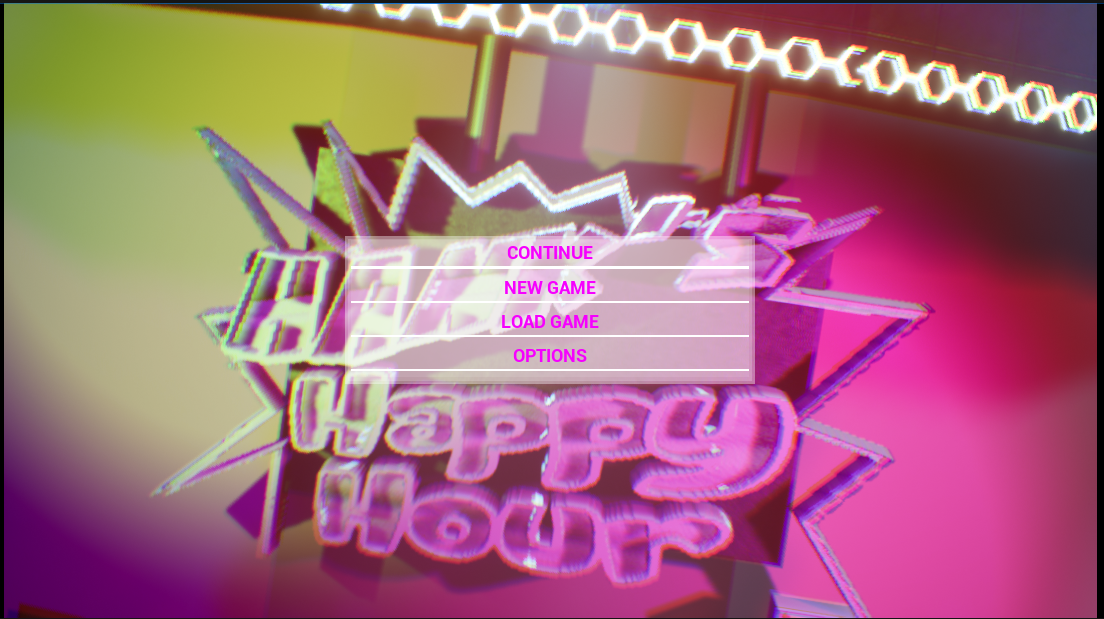
I started by adding multiple textures and lights to the start area to make it look more fun and complete. Once i had this area looking nice, I began work on the creation of a main menu screen and game intro cinematic.
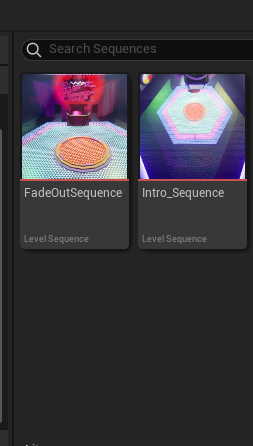
To do this, I made a new level and copied everything from the main area to this level, except any blueprints and functionality, since it was only for visual reasons. Once I had this level looking like the main area, I began the creation of an intro cinematic that would be timed to co-enside with the music I had previously made for this purpose.
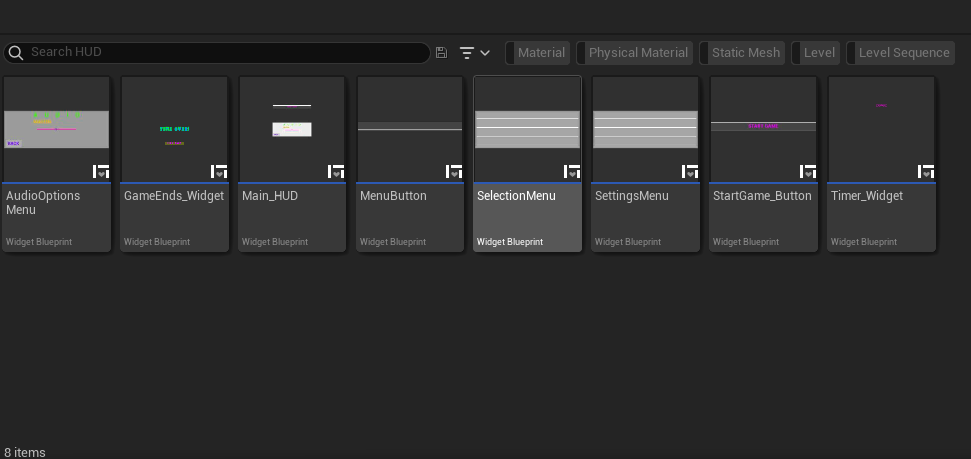
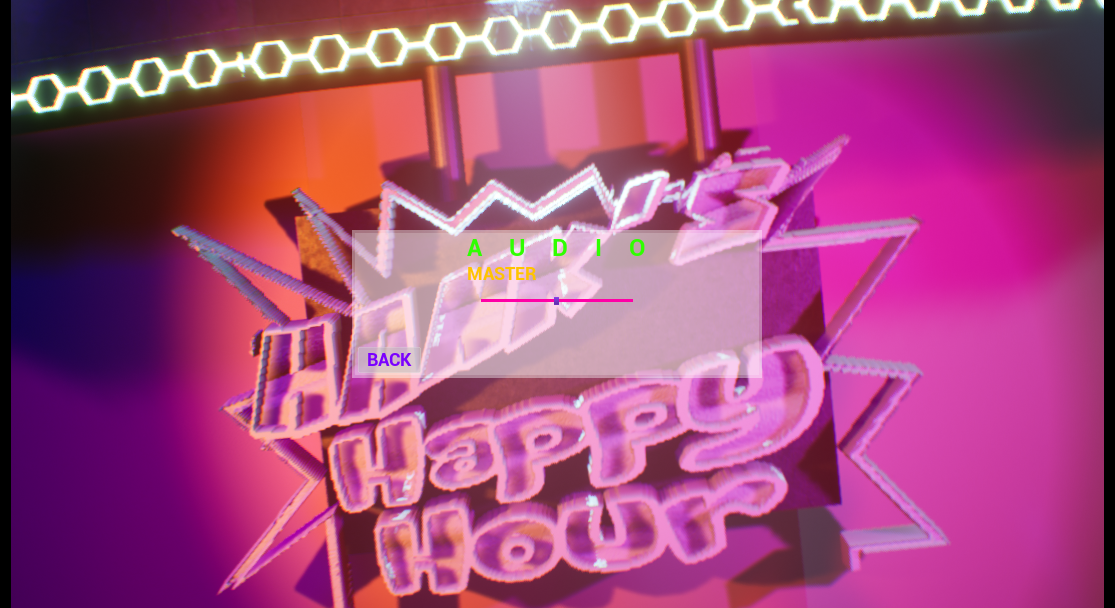
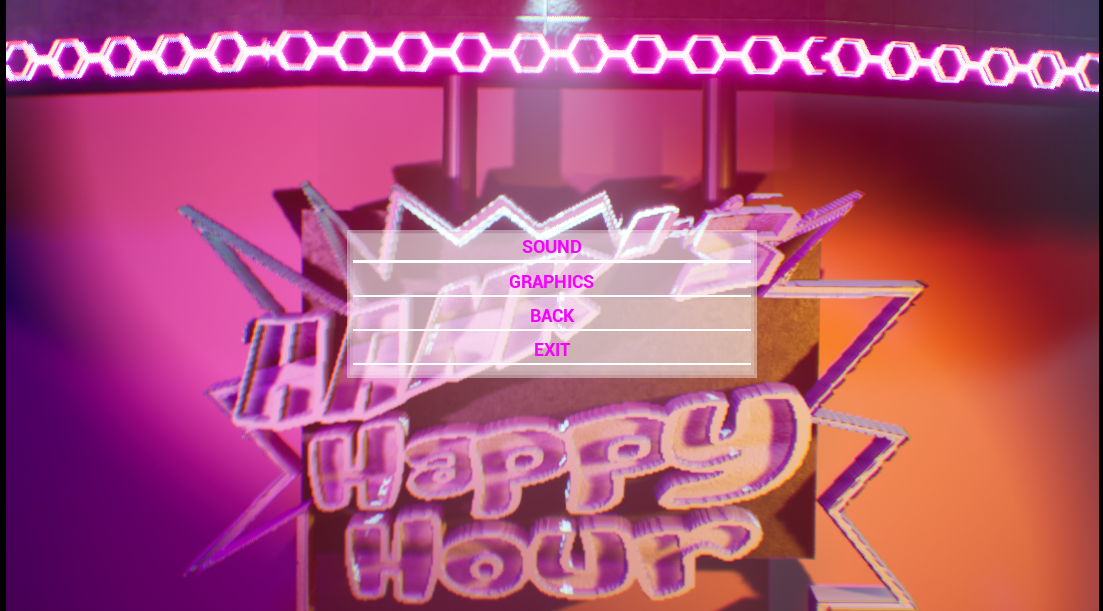
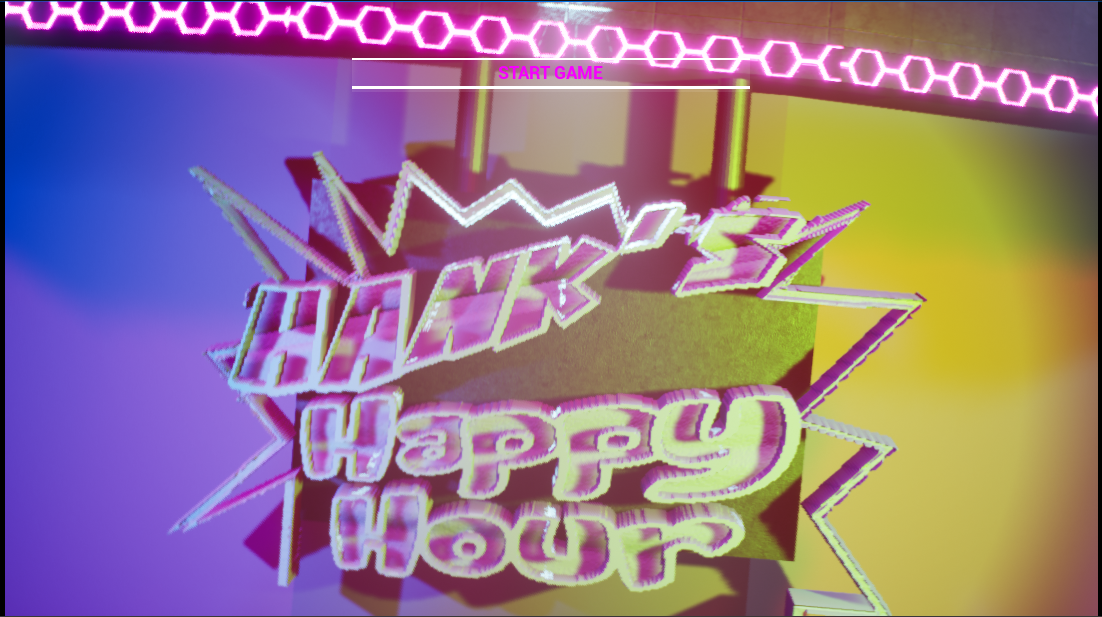
Now I had an intro cinematic, I tied that to play infinitely when the level blueprint loaded. I came across a problem where I had to overide the gamemode to disable any pawn from spawning on game start, I created a new gamemode blueprint that acted as an overide for the menu level. From here I created the main menu widget and its functionality, such as the ability to exit the game, change the sound level and start the game.
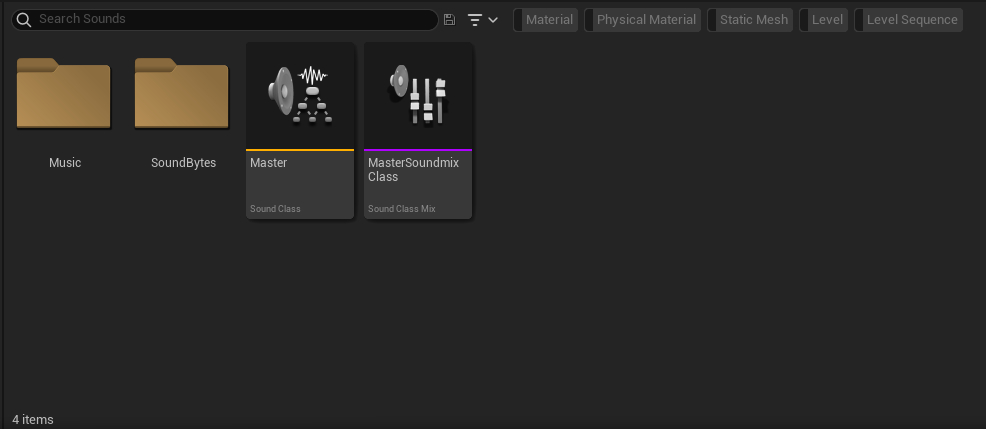
For the Sound slider, I additionally had to create new sound classes to group these sounds into, so the slider could affect these values.
Friday 28th April ( 4 – 10 PM )
Today, I began the needed sprucing up and functionality creation of the slippery staircase level. I also sidetracked and decided to make an Ai enemy for the hexagon maze that would chase upon sighting the player. For Slippery Staircase I would add things such as:
- Creation of geometry for later transferal to static mesh’s
- Texturing of objects and assets
- Lighting
- Trapdoor funtionality
- Slippery functionality
- Trigger volumes
- Collision creation
- Reset functionality including teleportation
- Player movement manipulation
- Sequence creation
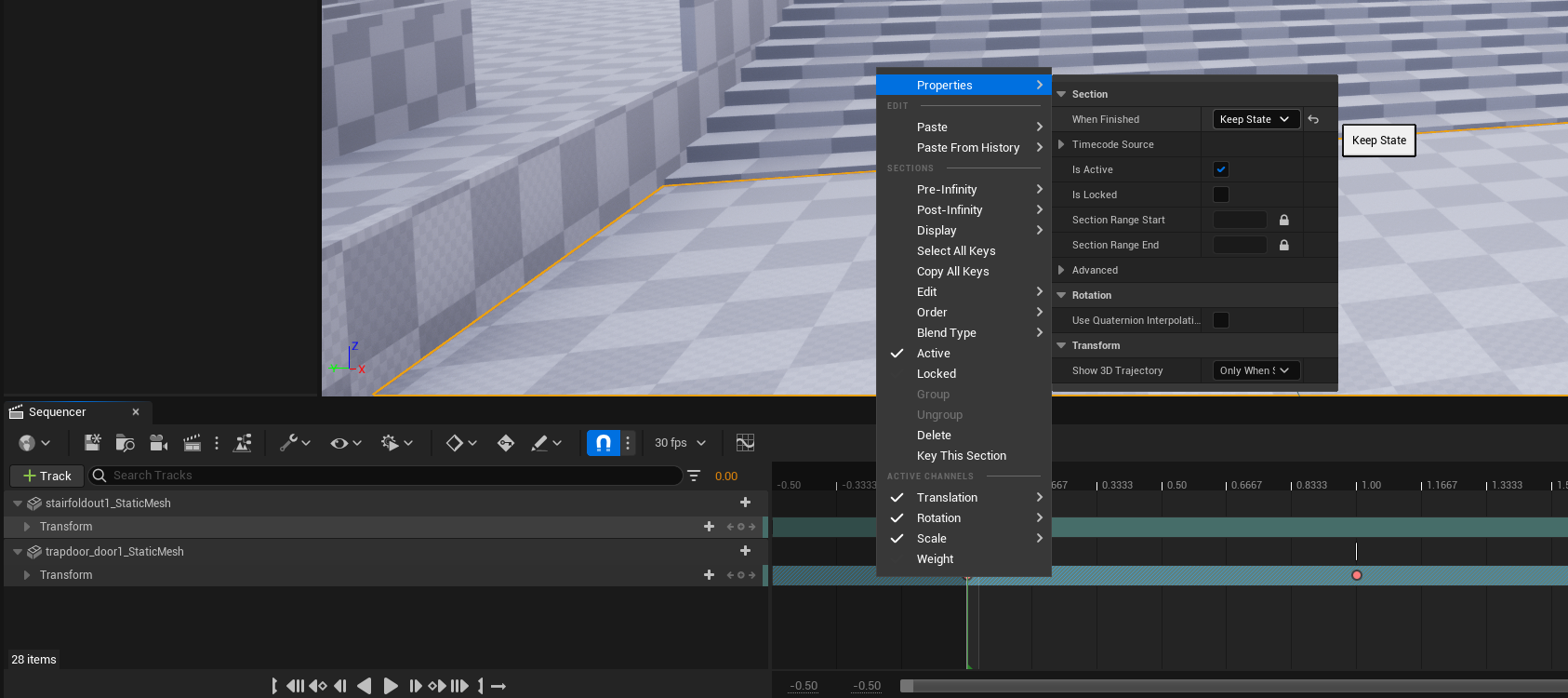
I came across a few problems during today’s work such as having to manually create collisions for the meshs, since the floor had a hole in it for the pit. The sequence resetting the pit cover also caused an issue and was resolved by forcing the sequence to keep its state when played. I also ran into a large problem when creating the respawn system, for which I enlisted Rebecca’s help as she had created the core blueprinting.
Call ( 8:30 10:30 PM )
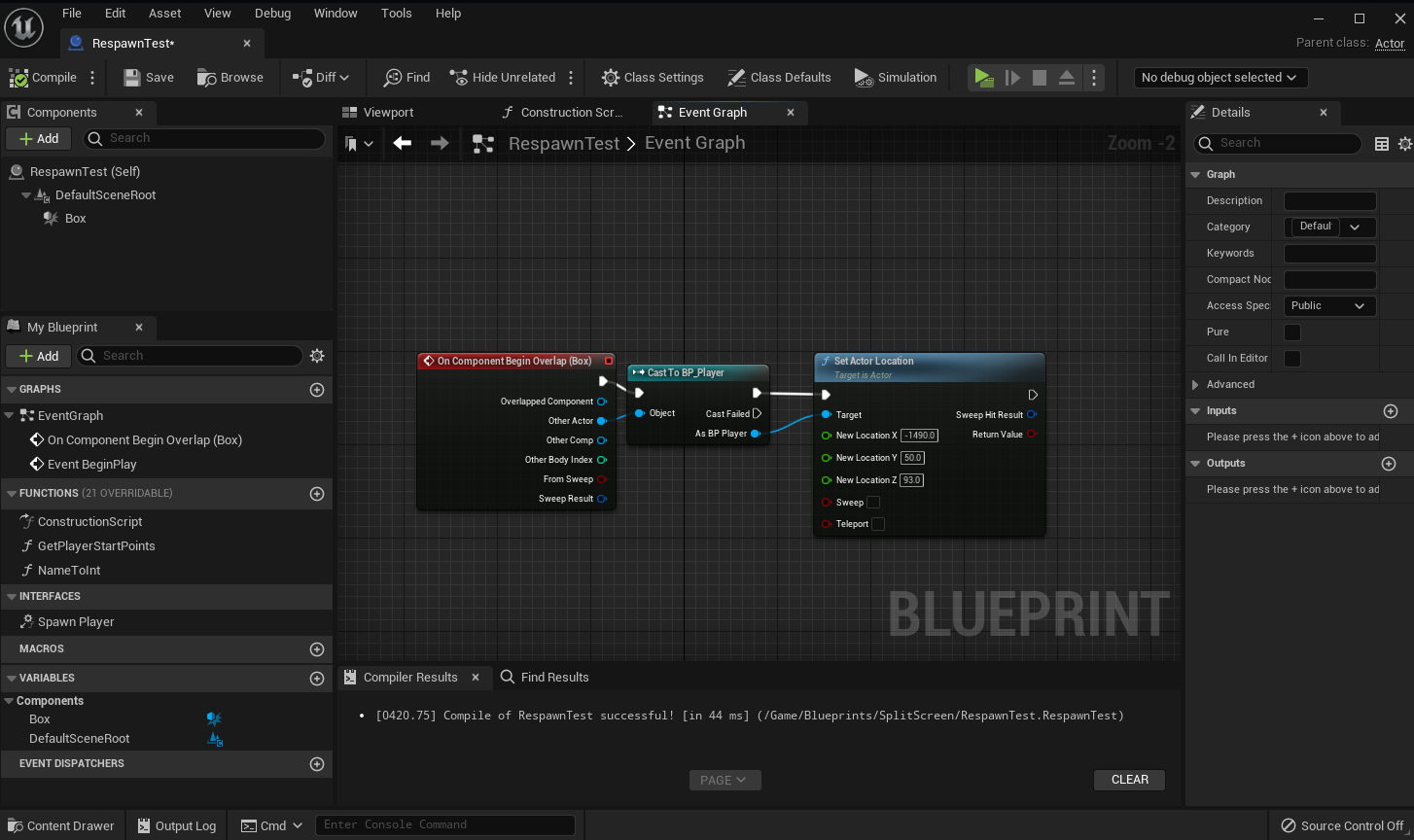
The issue facing us was that when the player was destroyed by the destroy actor node, they would respawn, possessing player 1’s slot, rendering it unable to be played.
We solved this by simply removing the destroy actor node and replacing the section with a serious of nodes that would teleport the player and reset them at a desired location. This had an added benefit as we could now use this to make a checkpoint system in other levels!

Saturday 29th April ( 12 – 10 PM )
Today I picked up where I left off and began the creation of more static mesh’s for the slippery staircase level, general texturing and lighting of the level as well as the functionality of the staircase and some sort of timer that would end the game upon reaching zero.
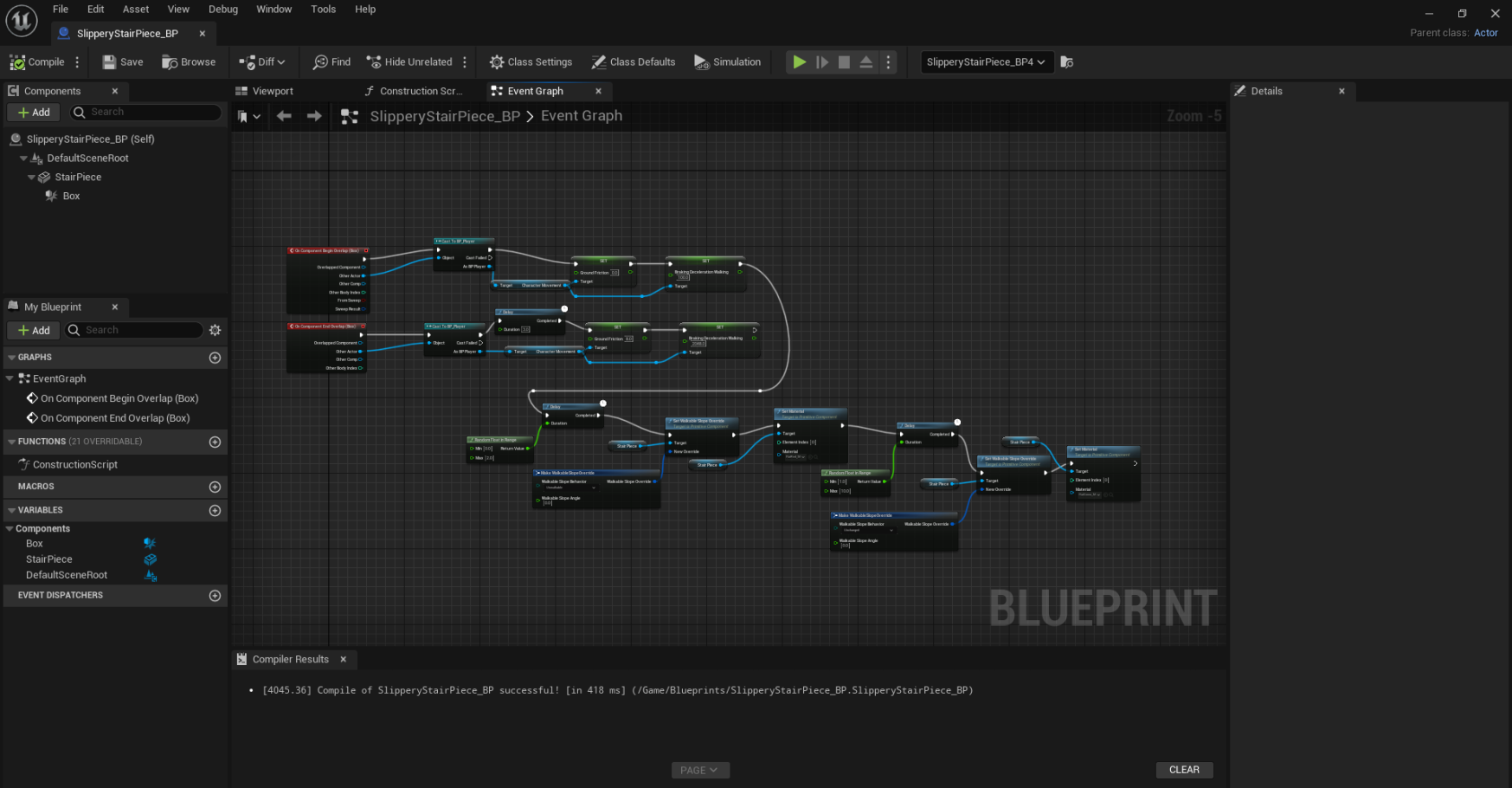
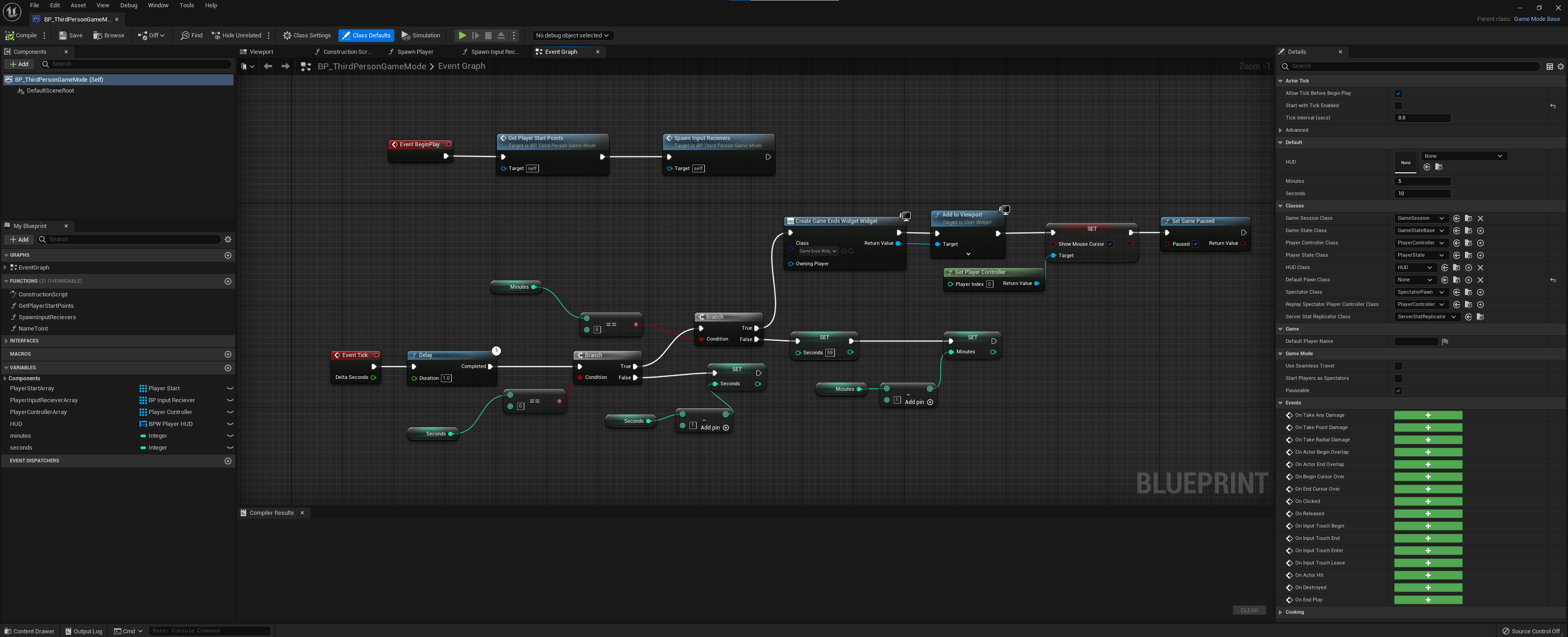
Mostly, the creation of the tiles and the blueprints behind it to make them change color and go slippery was rather straightforward. the only problem being I couldn’t make the surface slippery enough through physics alone. I opted instead to make the surface, ‘non-walkable’ upon turning red and randomising the time it takes for the tile to turn. The reset of the tiles where also randomised to add more chaos.
I however came across one large problem by the end of the day. A bluerprint I had created for a time-out timer would not work, despite the logic being flawless with no coding errors. Stuck with no solution, i decided once again to invole Rebecca in the diagnosing and reparation of this problem. I sent the file off to her to have a look over the following day.
May Dev-Log
Wednesday 3rd May ( 9 – 1 PM ) Workshop
In today’s workshop session myself and rebecca were playtesting the game and more specifically, testing slippery staircase as much of the mechanics where now present. Upon testing, we found that multiple players entering the respawn trigger at the same time caused an odd bug where only one player would be transported back to the start and the other remained trapped. To solve this, we simply extended the pits lenghth and added multiple triggers as backups incase multiple players entered the pit at once. Additionally, I added a hard reset button coded only to this specific blueprint.
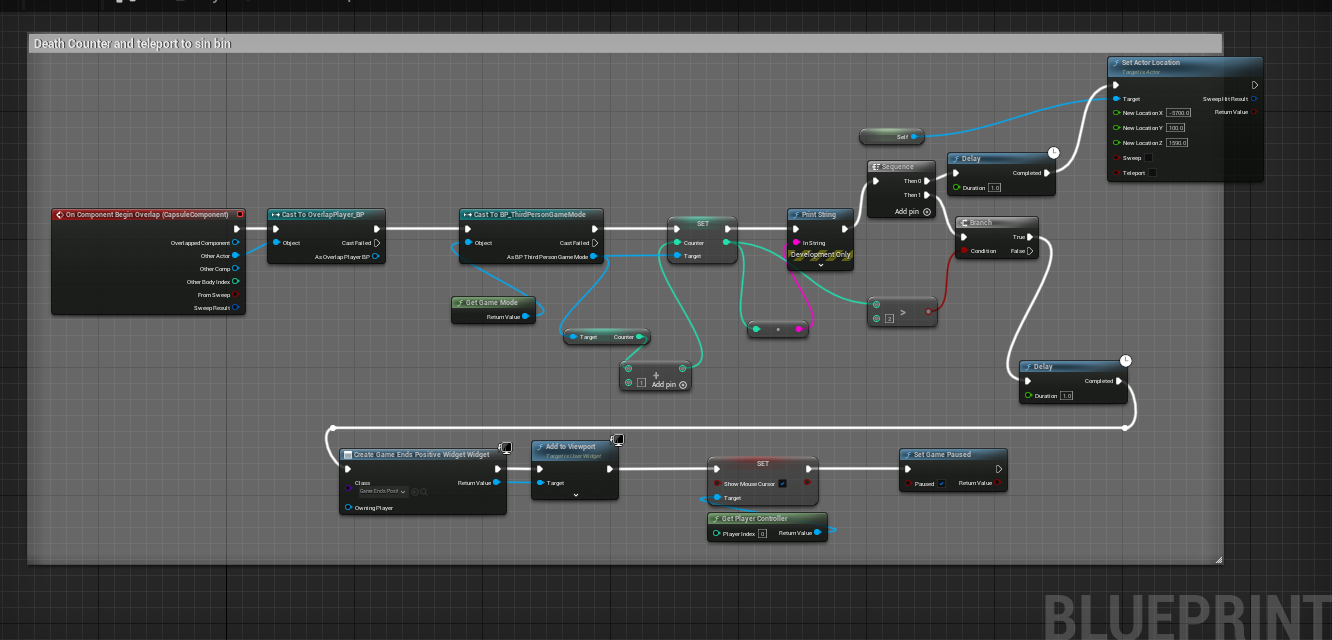
We were also able to add a counter mechanic which we had previously discussed, where after a certain amount of people had triggered this counter, the game would end.
Wednesday 3rd May ( 5 – 11 pm ) Home
After today’s session, I took the file home with me to complete the work to the next additional levels, Tile Trouble and Sumo Slam! In this time, i had the task of building two new levels, implementing mechanics and ensuring they effectively worked.
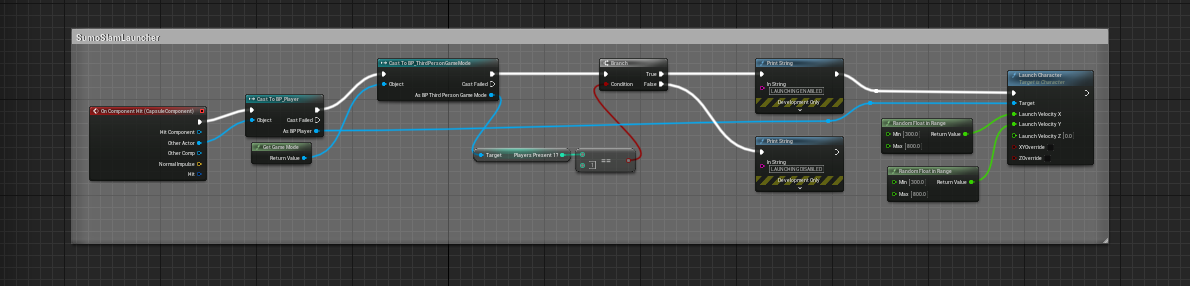
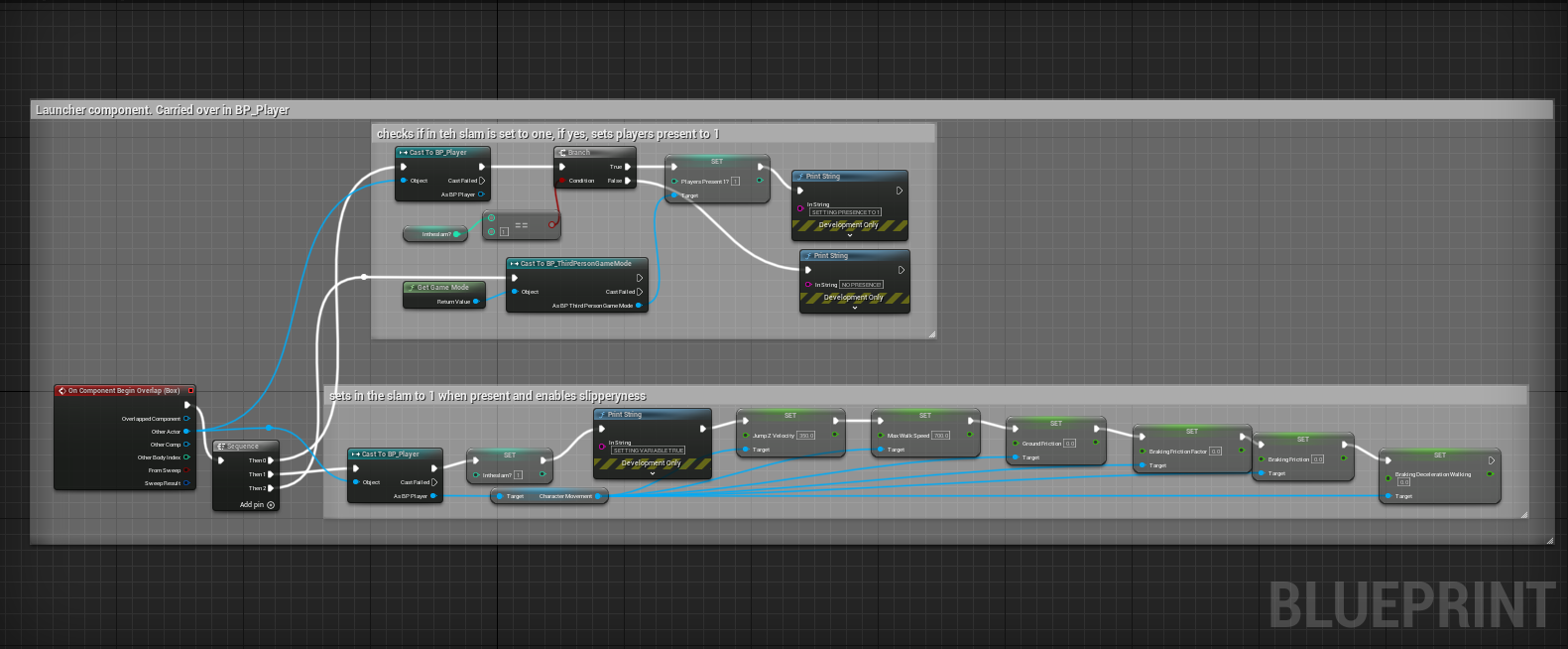
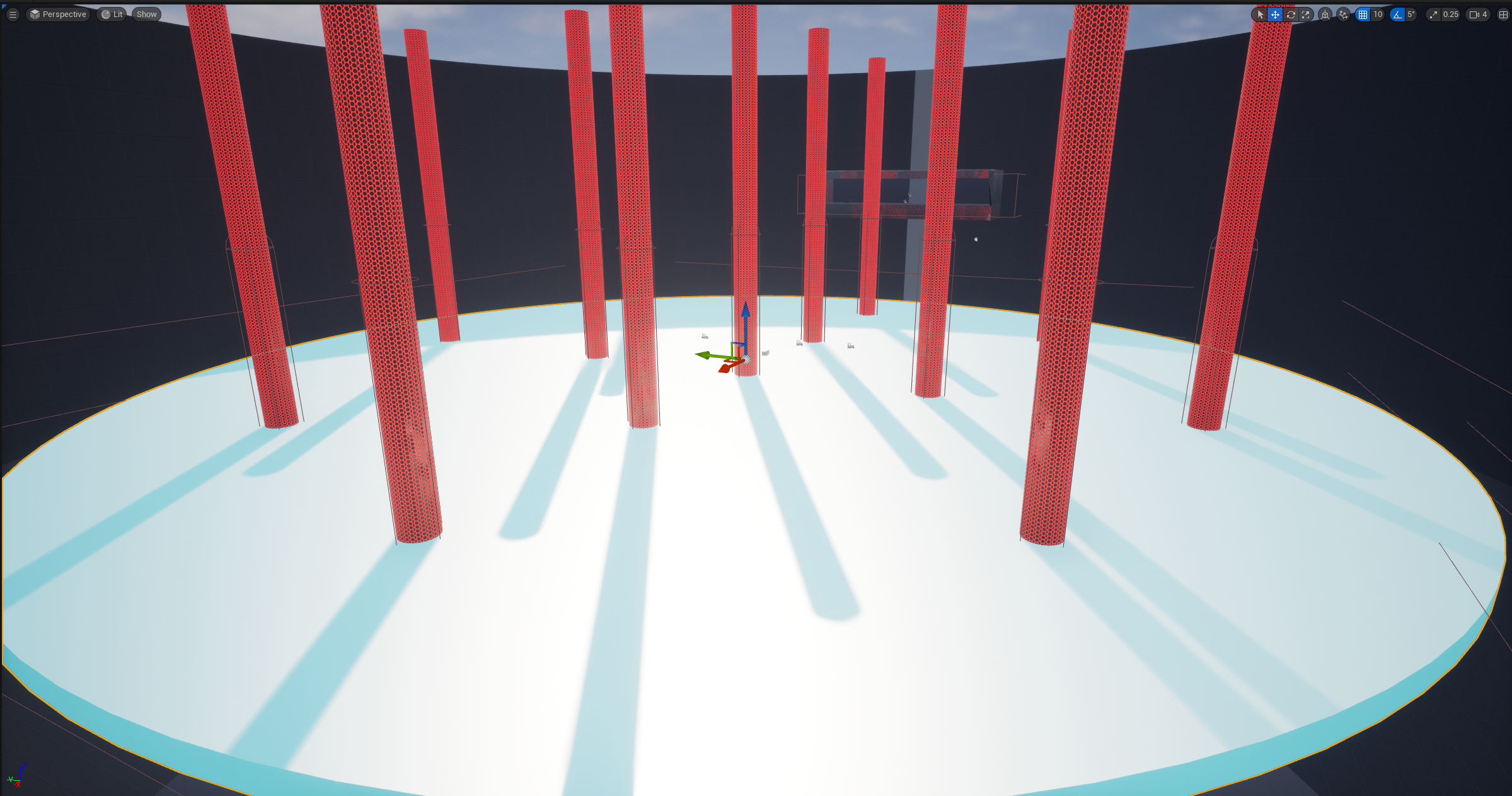
I first built the arena and world of Sumo Slam. From there, I would blueprint the slippery mechanic of the floor, this time using movement physics to create a more icy feel rather than total unwalkability. After the floor was sufficently slippery, I set out to create the repel mechanic that was needed for this game, as we needed the characters to bounce off one another when they collided, the aim of the game been to be the last person standing in this arena. This was difficult and I ultimately opted to use a node which adds force in certain directions. I simply made the direction of the force and the force applied random to add more chaos to the mix. Once I had this, I felt the arena was still easy and bare, so I felt I could add some ‘bumpers’ that would send players flying when collided with. I used the same priciples from the player repel and added this to static objects, increasing the repel force much more than the players.
Now I had them mechanics working, I used the counter blueprint, building on it to teleport the player when they pass through it as well as increase the counter. This was so that when a player is ejected from the arena, they are transported to a sin bin to sit out the game until only one remains. I stil felt the arena was too boring and so decided to make the arena move and ultimately, shrink in size over time, adding a physical timer to the game rather than a visual one! I additionally sequenced the large shrinks to coincide with the arena flashing amber then red to warn the players of an impending shrink.
Friday 5th May ( 10 – 3 PM )
I moved on to creating the Tile trouble Level in it’s entirety before I would be handing the project back to Rebecca for last minute touches.
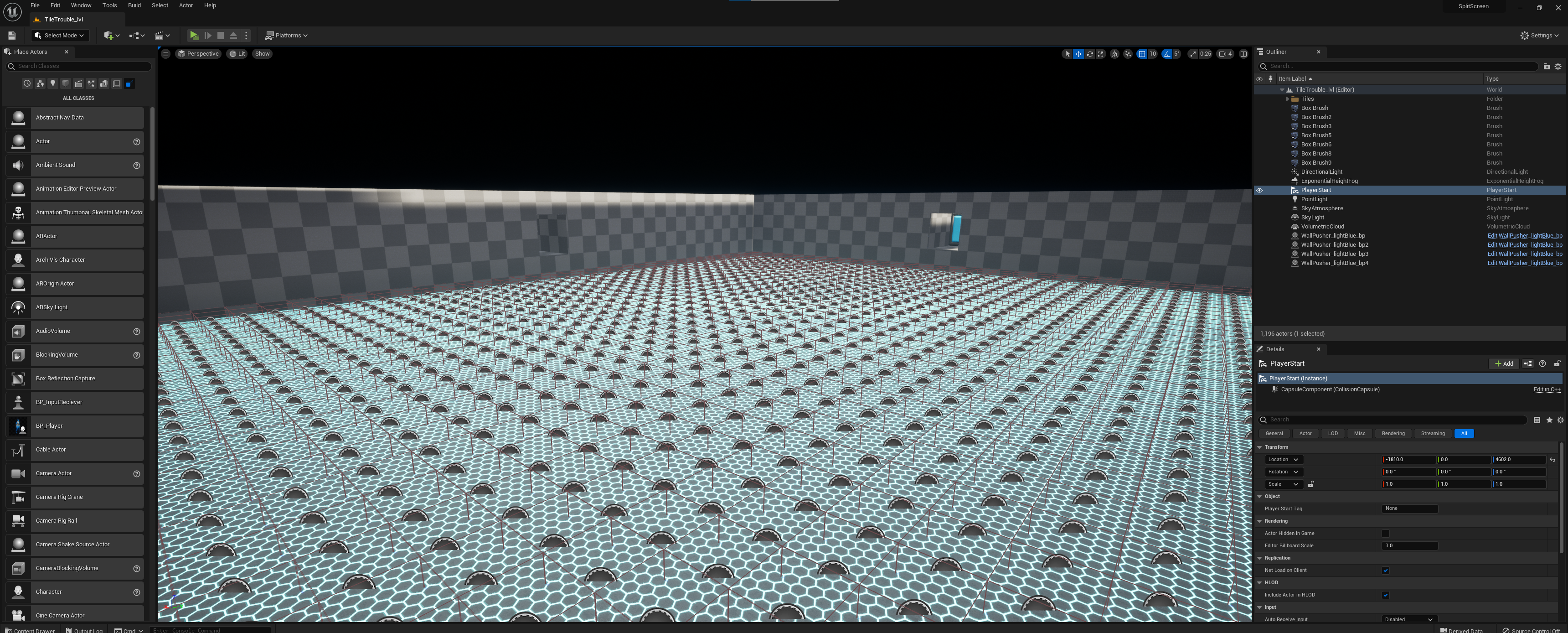
I started by creating the level blockout of a large rectangle room with four connecting starting positions at the top. Using pushers from the gauntlet pack, I sat these at the back of the start areas to force the players to start at the beggining of the game, effectively pushing them into the arena.
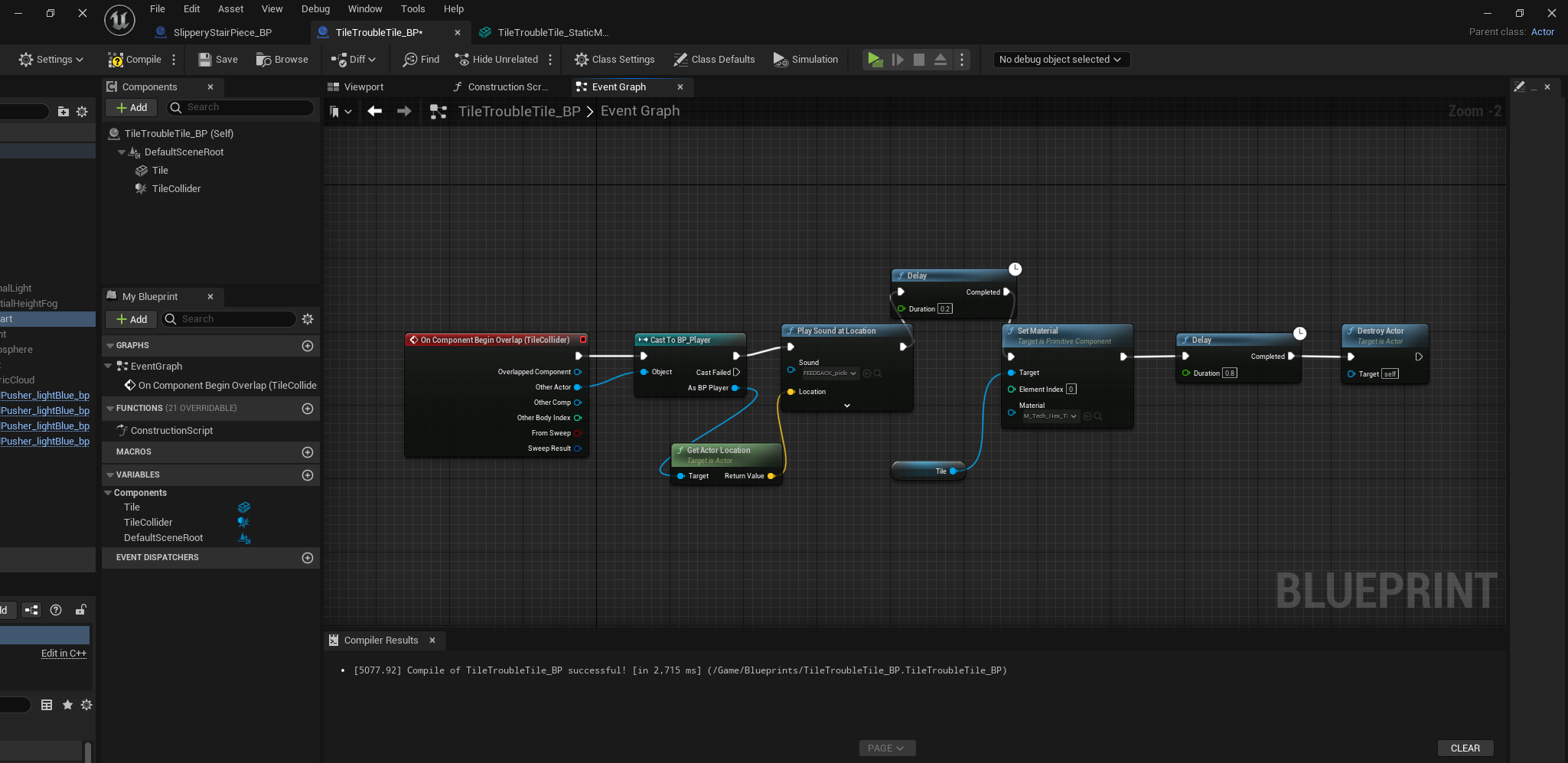
In this arena would be a 3 level system of tiles that once stepped on would change colour before dissapearing beneath the player. The players would battle to be the last remaing player to not fall through all 3 levels. Fortunately the coding for these tiles was not difficult and just involved a simple destroy actor node to remove the mesh after a 1 second delay upon being triggered. With the addition of a neon texture to the tiles and a sound effect, we now had a feasible challenge. Using the reset and counter blueprint from Sumo Slam, I placed this at the bottom of the pit and set the respawn location to a sin bin outside the room. Once I was happy the bones where there, I packaged up the game and sent this to Rebecca.
Saturday 6th May ( 9 – 11:30 PM )
Tonight as Ollie was attempting to build the game for testing, we came across a problem that required the team join a call and collaborate on fixing it. The problem was that the main menu showed in the editor window however once built did not show. After bug searching for 2 hours we found the problem after sharing screens and comparing the blueprints as my older version worked fine. We were able to notice a discrepency in the hierarchal order of the main menu widgets and this caused the widget to not appear on the screen. after re-ordering it, we where able to get the menu to appear.
Sunday 7th May ( 8 – 12 PM )
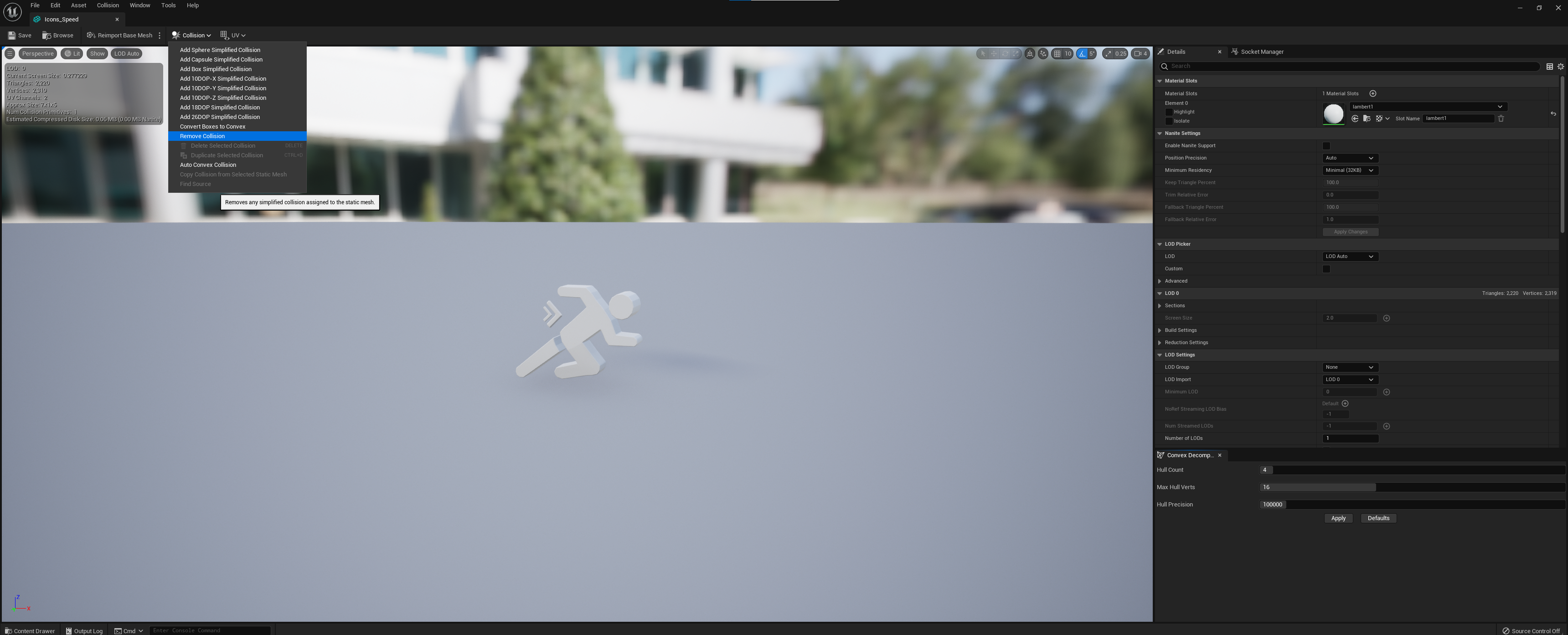
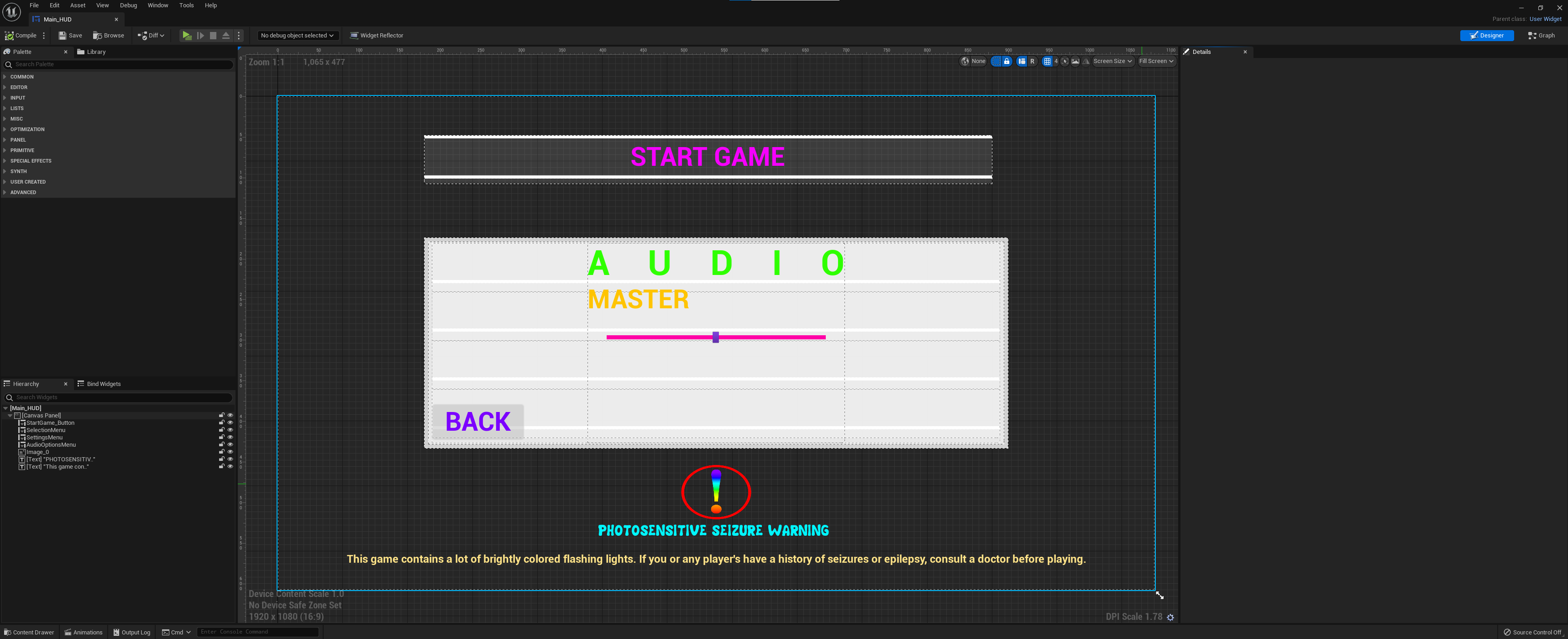
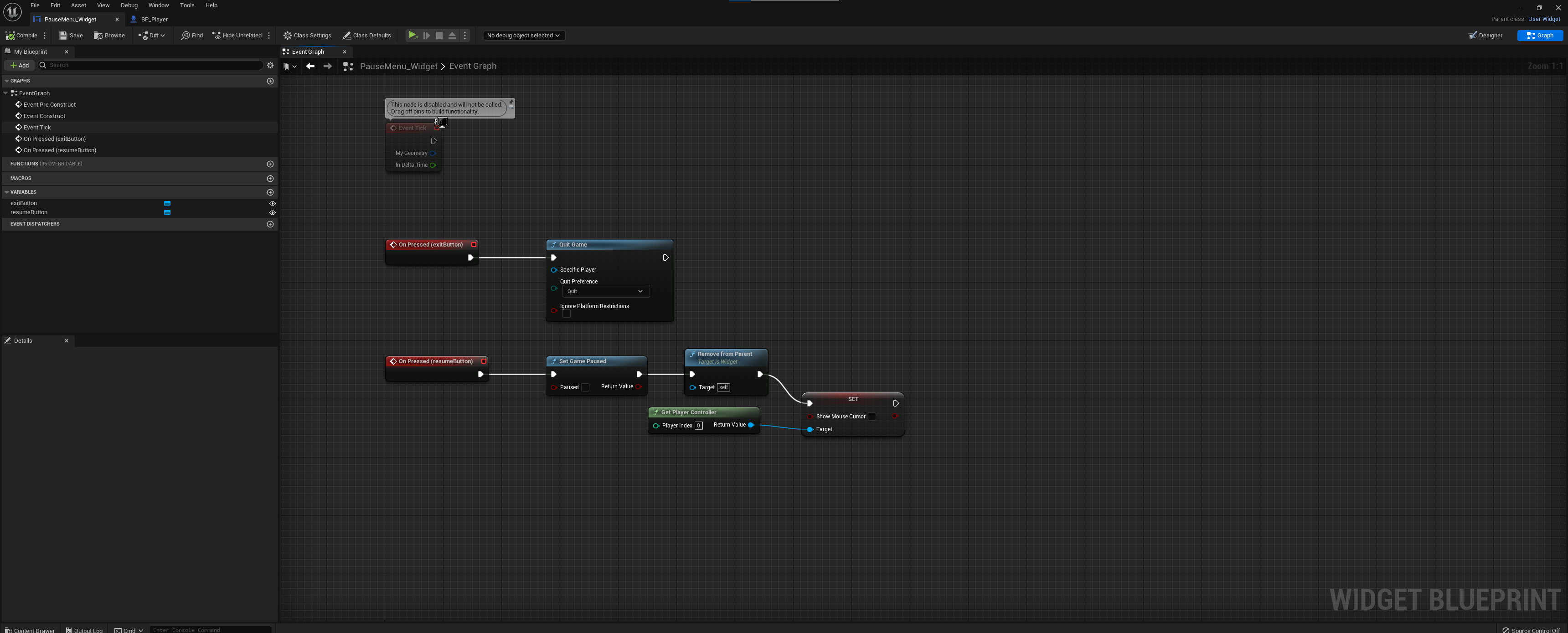
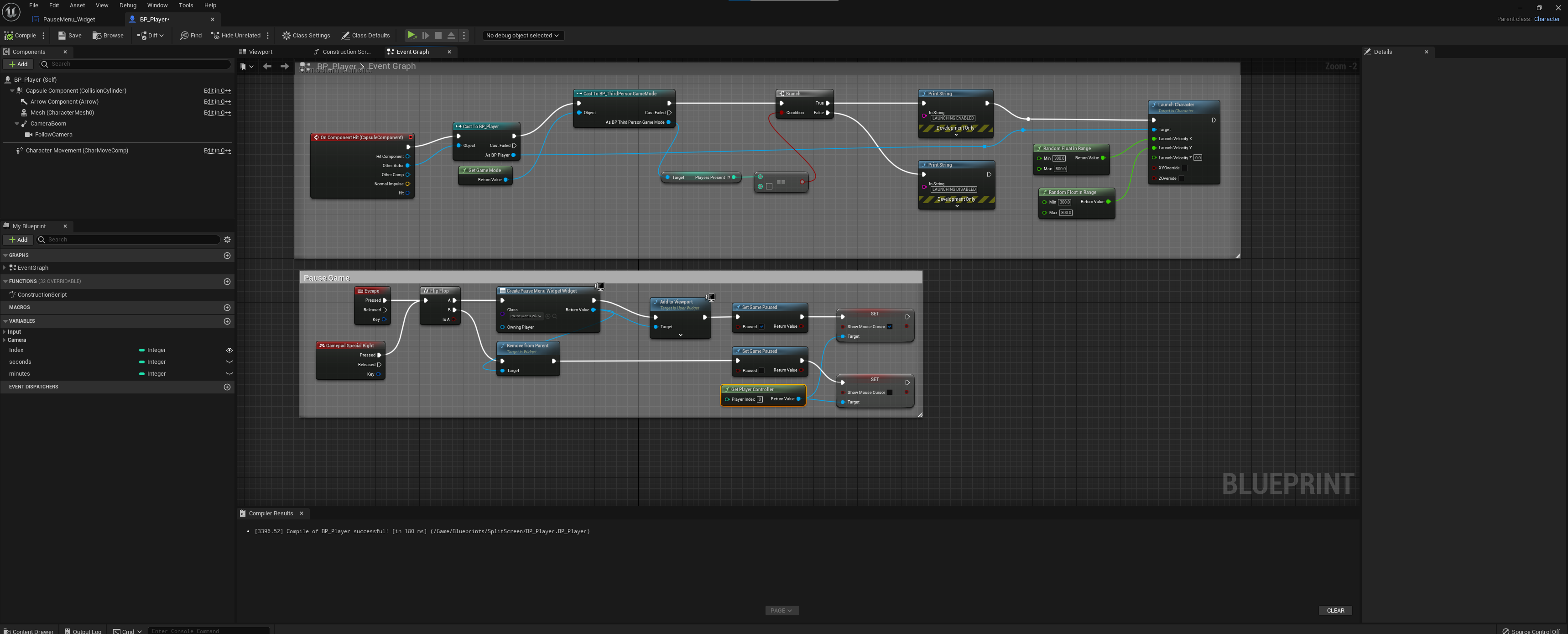
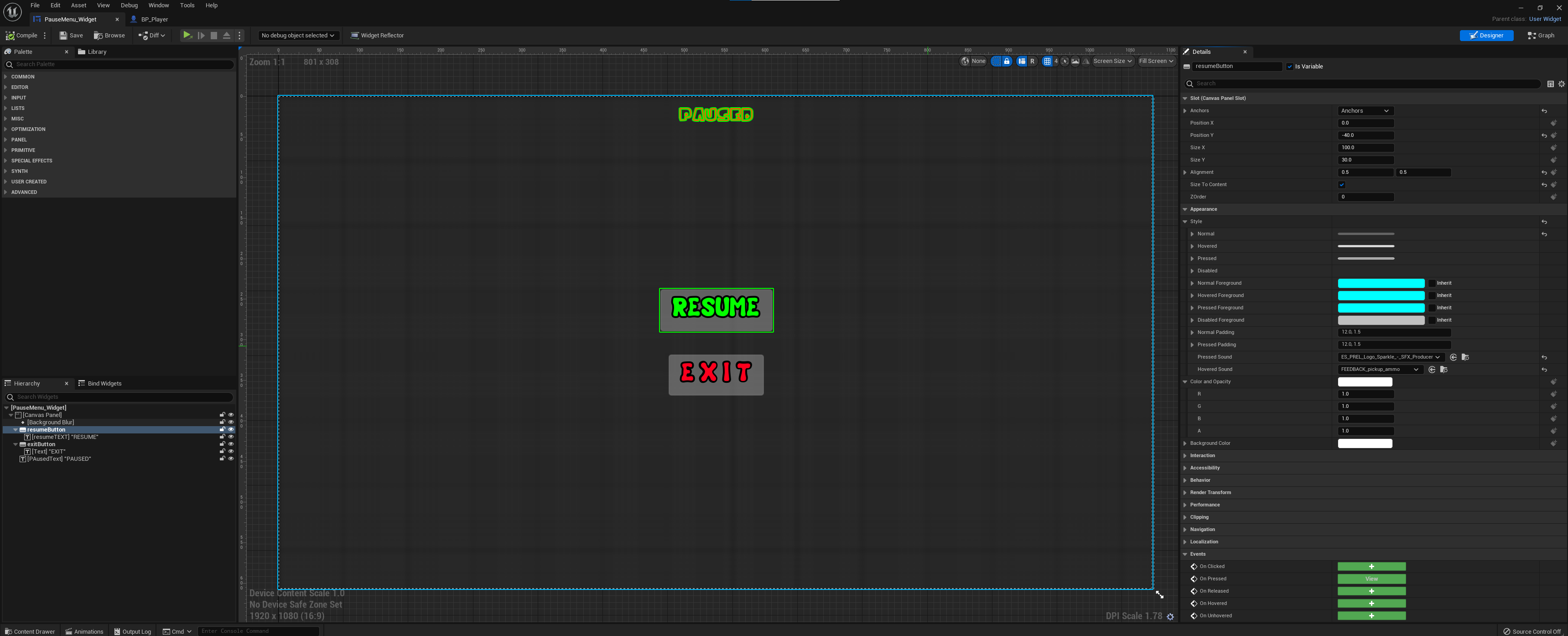
After recieving the file back from Rebecca today, I started some final touches on the game. To start I removed unneccesary collisions off the powerups to make them able to be passed through by the player instead of collided with. As our game involves lots of bright flashing imagery and this can be dangerous to certain people, I implemented an epilepsy warning at the start of the game to warn certain players of this danger. After the warning was in place, I quickly added a pause menu for the players, to make it possible to exit the game or simply pause it.
Monday 8th May ( 11:00 – 5:30 PM )
Today Rebecca and I met up at university to complete the video section of the assignment. Upon loading the game, we found the widgets where now incorrectly sized and the information was not displayed correctly on the screen, despite nothing being changed within the system. We decided to resize all the widgets manually and reset the anchor locations, this effectively fixed the issue.
After this, we decided to create a loading screen transition between the levels and any gamestate change for that matter. We created an empty level, dressed it and set this to be only visible through the camera. Next, we duplicated this and coded it to load the resepctive level it was assigned to. We also added a quick snippet of the ‘can can’ song to accompany the funny dance.
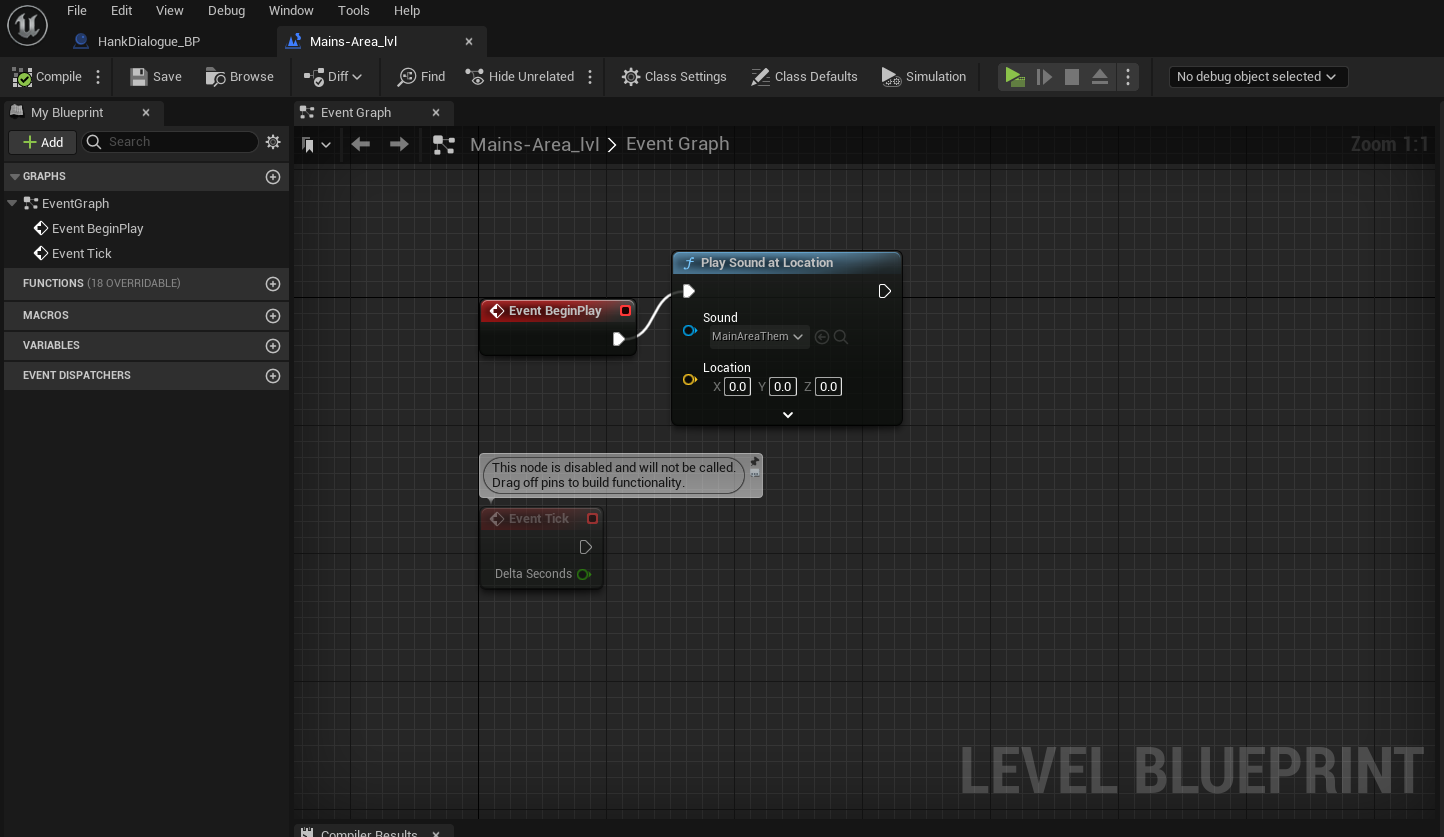
Additionally, as last minute dressing, we decided to add music to the main area to liven it up a little, while also adding models of Hank throughout the levels as a small amusement.
After testing, when then noticed the Ai pathfinding was not acting as it should, as it would stop at every doorway and not exit that room it was in. After a quick search, we found unticking, ‘Can ever affect Navigation’ on the doors mesh, allowed the nav-mesh to update through the doorways and the Ai was now able to give chase!
Monday 8th May ( 7PM – 9:30 PM )
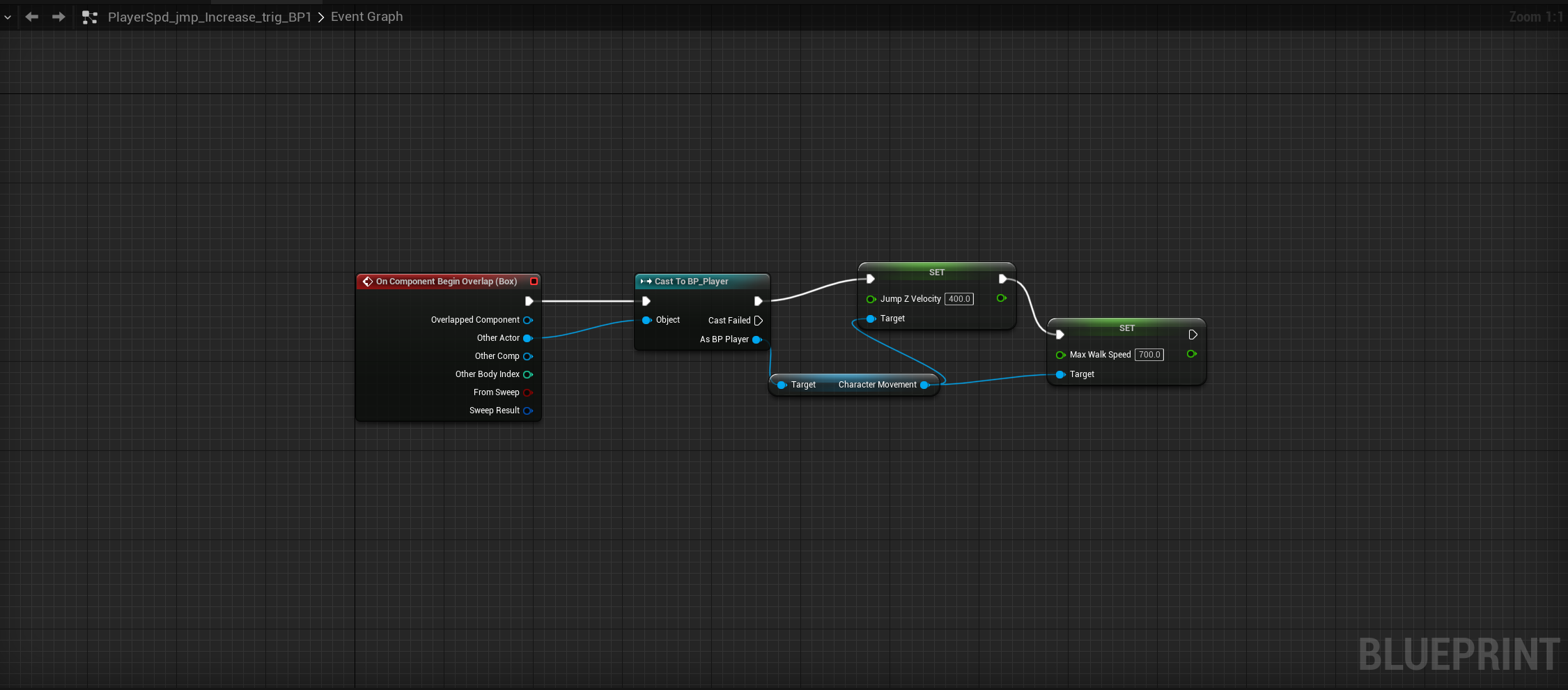
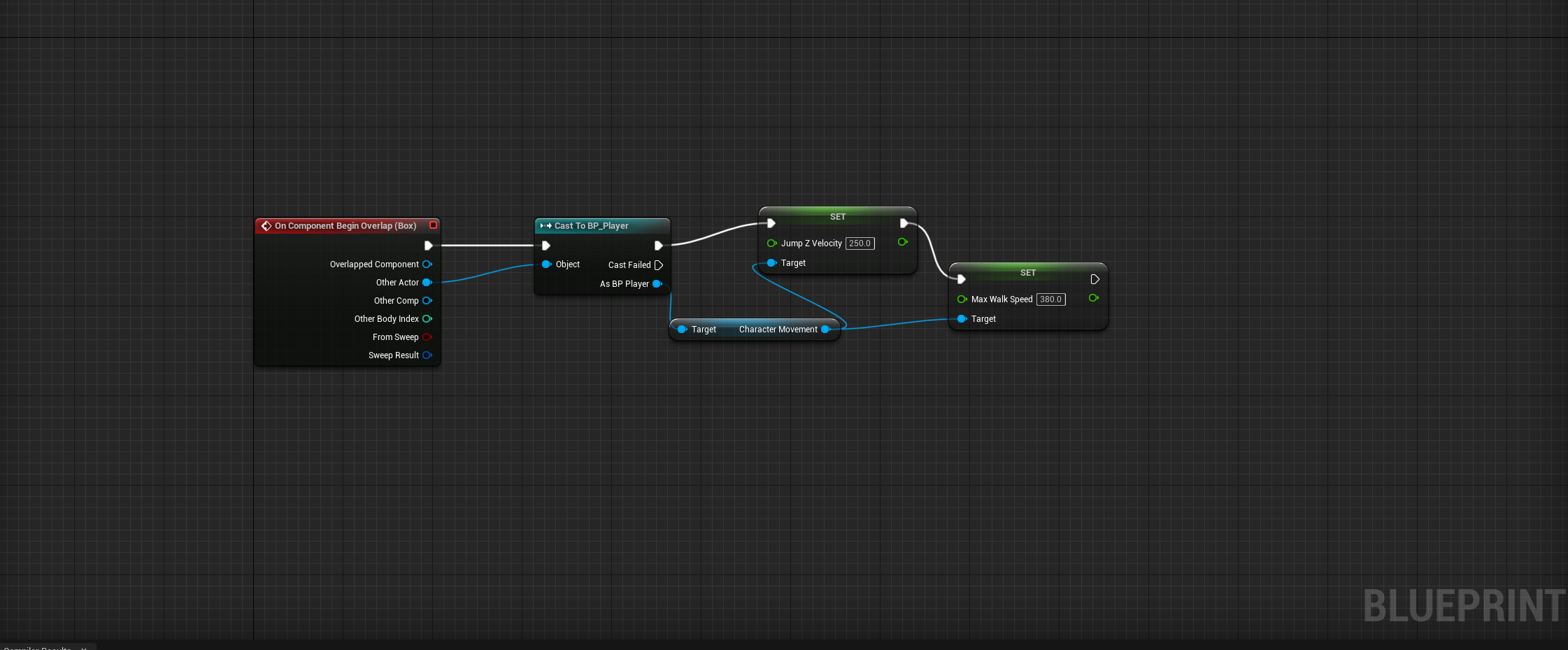
As a last minute touch before the games rebuilding, I decided to slightly alter the players movement physics for the gauntlet map, as we felt after a good few tests it was rather difficult to do. I added a trigger volume at the beginning of the level that simply adds a value of 100 to the players jump z velocity, while simultaneously increasing the breaking friction to stop ‘slip’ when the player lands, allowing a little more control. There was now the chance however that if the players dont complete the course and the timer expires, they would be kicked back to the main area with the manipulated movement physics still set. To counter this, incase the players dont succeed and reach the end before the timer expires, I added a reset trigger in the games main area that resets all the players movement characteristics back to there standard values.
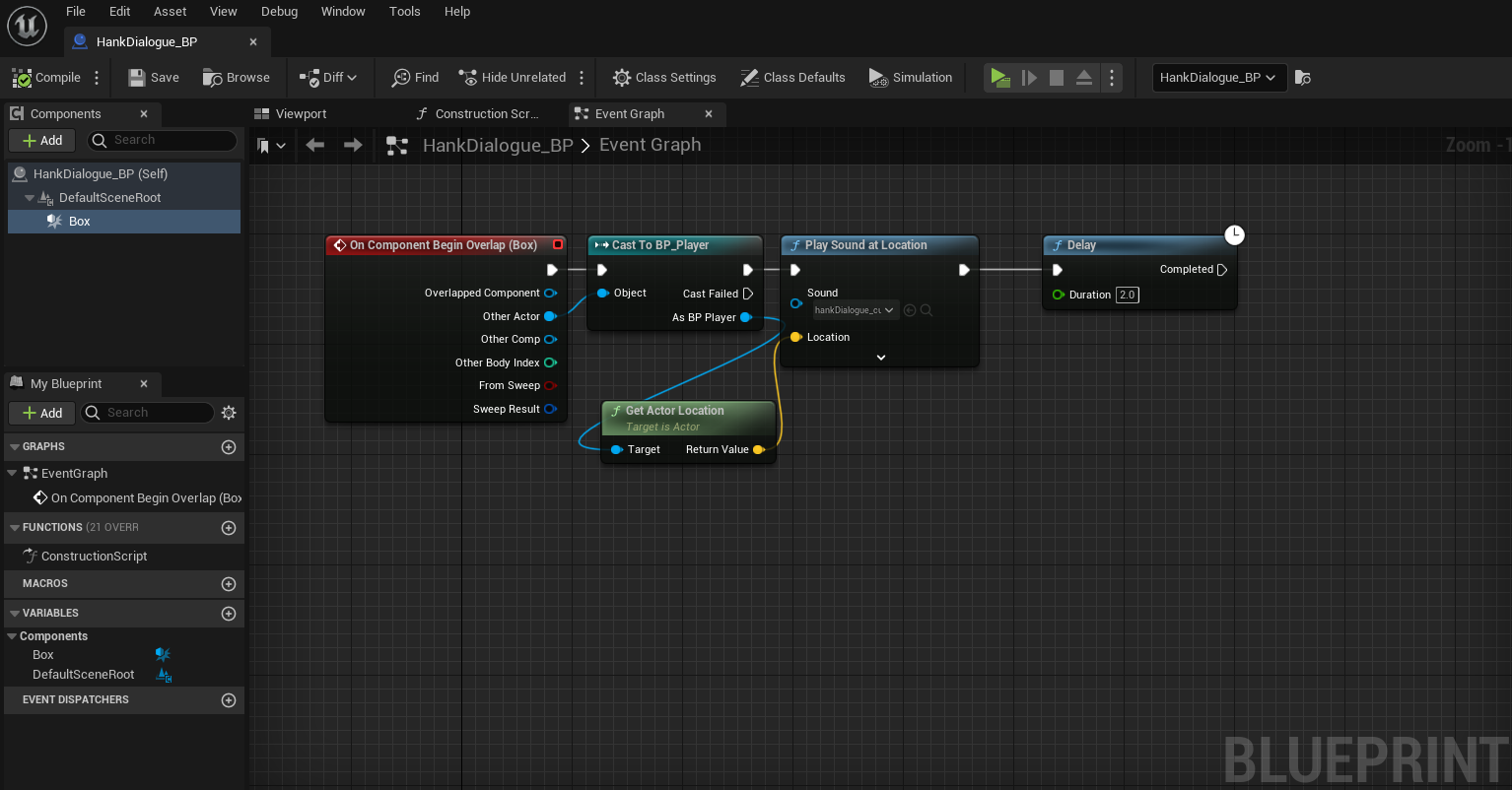
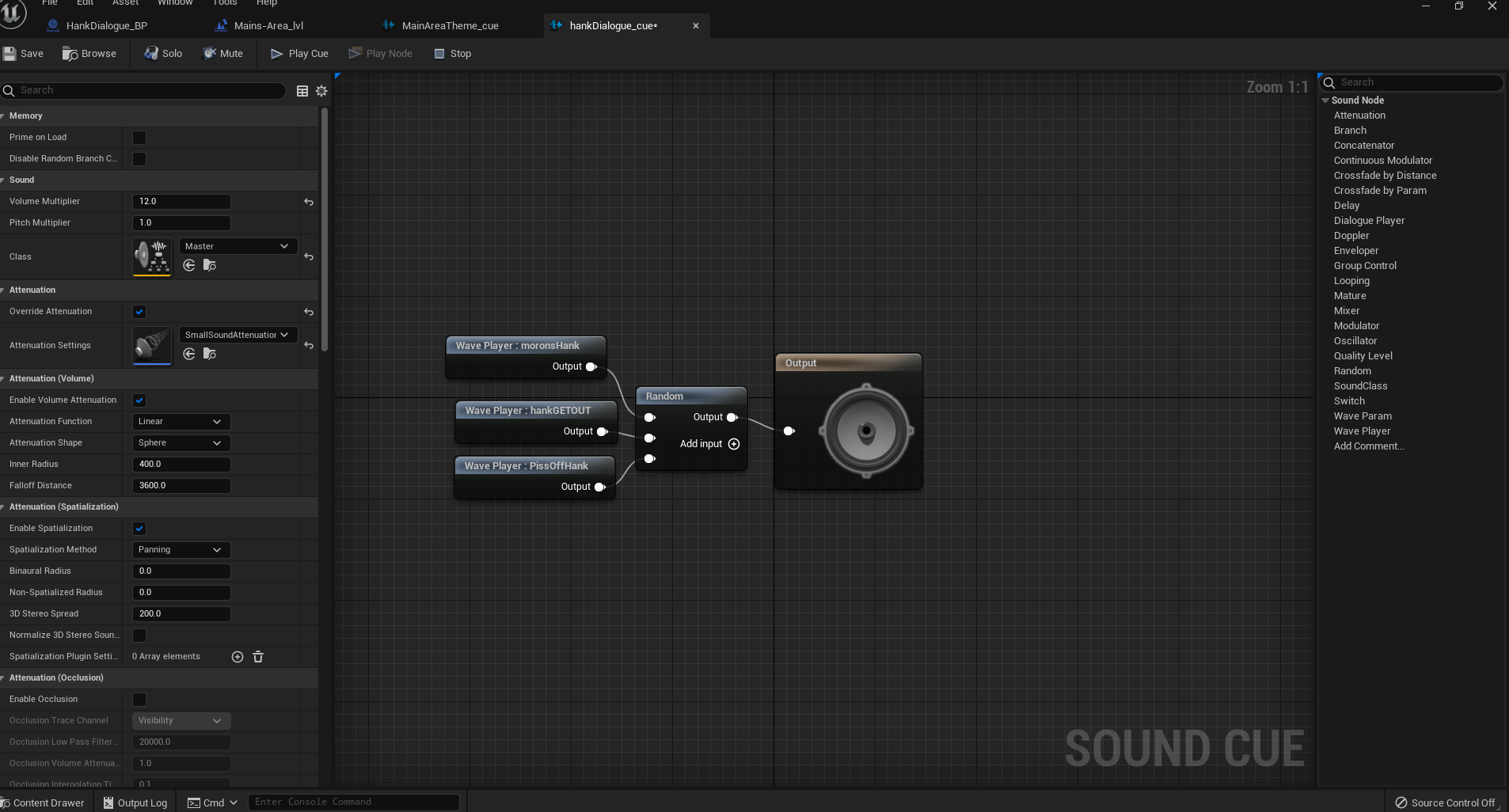
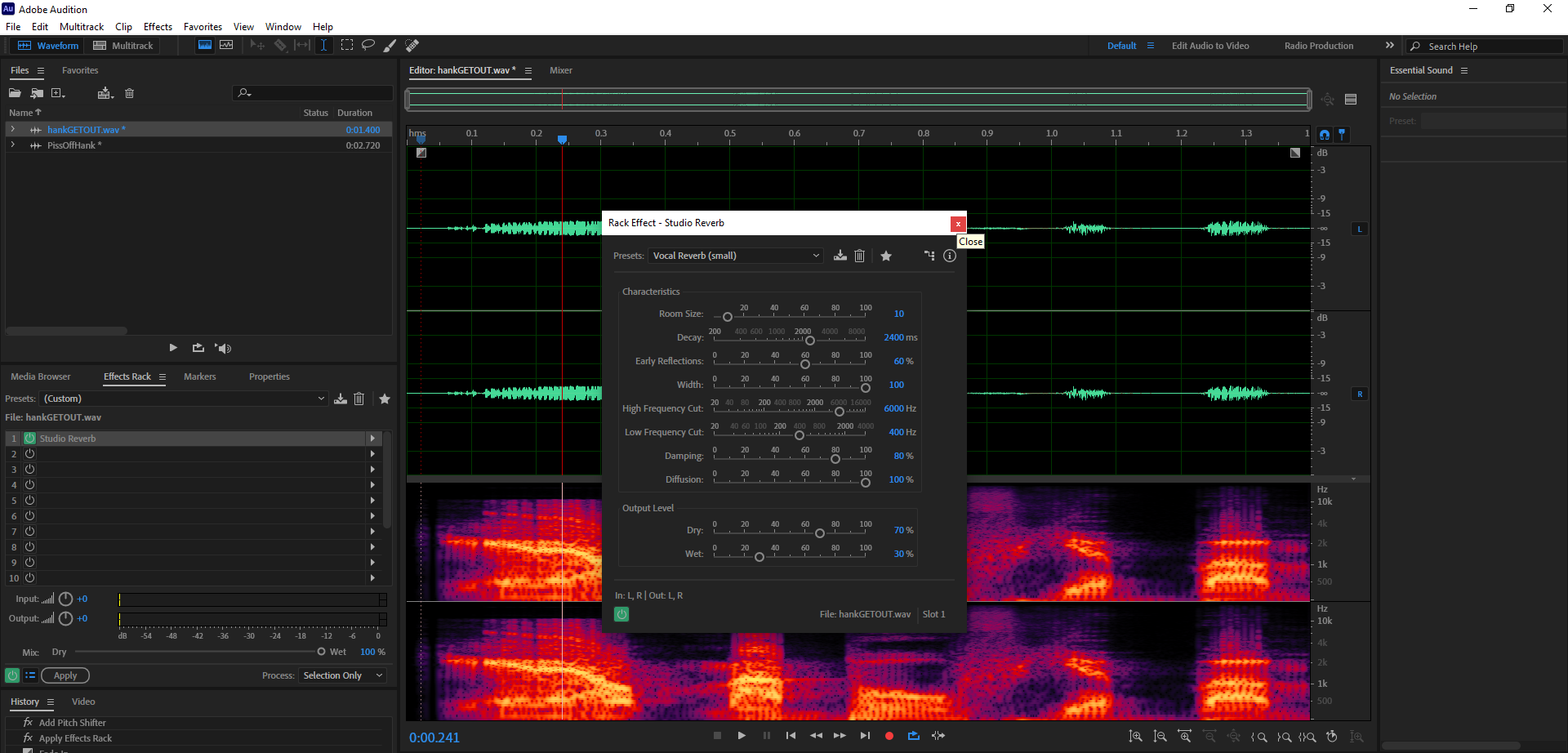
Next as a last minute touch, I recorded some dialogue for Hank, mastered it in audition and added it to the game, creating cues and adding that cue to be played from a trigger placed inside Hank’s booth. When a player enters, Hank will now say 1 of 3 randomised slogans. To stop any overlap and overtriggering, I added a delay. After, I packaged the game and sent it to Ollie for building.
Game Asset Packs Used:
Gamertose (2021) Game Show Asset Pack in Environments – UE Marketplace. Unreal Engine. Available online: https://www.unrealengine.com/marketplace/en-US/product/game-show-asset-pack.
Audio Assets Used:
Epidemic Sound (n.d.) Sound effect: String Plucks 4 | Epidemic Sound. www.epidemicsound.com. Available online: https://www.epidemicsound.com/track/1d8ZI5CIgN/.
Epidemic Sound and Glove Box (n.d.) Glove Box – Ain’t No Princess (Sting Version) | Epidemic Sound. www.epidemicsound.com. Available online: https://www.epidemicsound.com/track/GdCPjlIxhV/.
Epidemic Sound and Hara Nova (n.d.) Hara Noda – Can | Epidemic Sound. www.epidemicsound.com. Available online: https://www.epidemicsound.com/track/g3fLTLH7Jw
Orange Free Sounds (2018) Can Can Song. Orange Free Sounds. Available online: https://orangefreesounds.com/can-can-song